
Social Media Scheduler
Plan ahead. Make room for your business.
Create your posts, choose your connected channels, and set a time that works for you. Start Free Forever with three channels and ten pending posts per channel at any given time. No credit card needed.
 9:00 AMStart the conversationScheduled
 1:30 PMShare your next ideaScheduled
 4:00 PMKeep your week movingScheduled
Illustrative scheduling concept
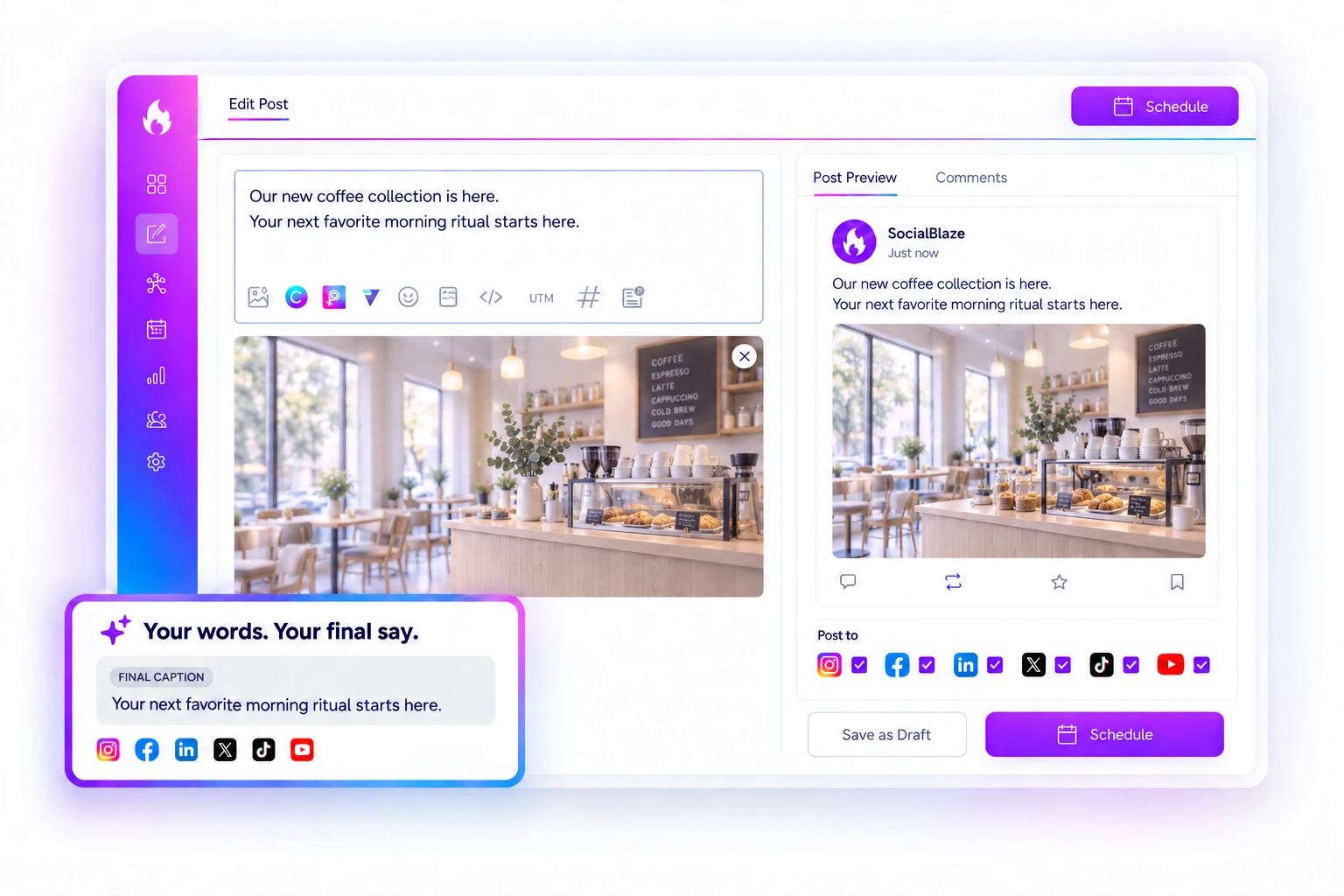
01 · YOUR ACCOUNTS
Start with the accounts that matter.
Choose the accounts you have connected and unlocked. Keep your publishing plan focused on the channels your audience uses, and check each account’s permissions before scheduling.
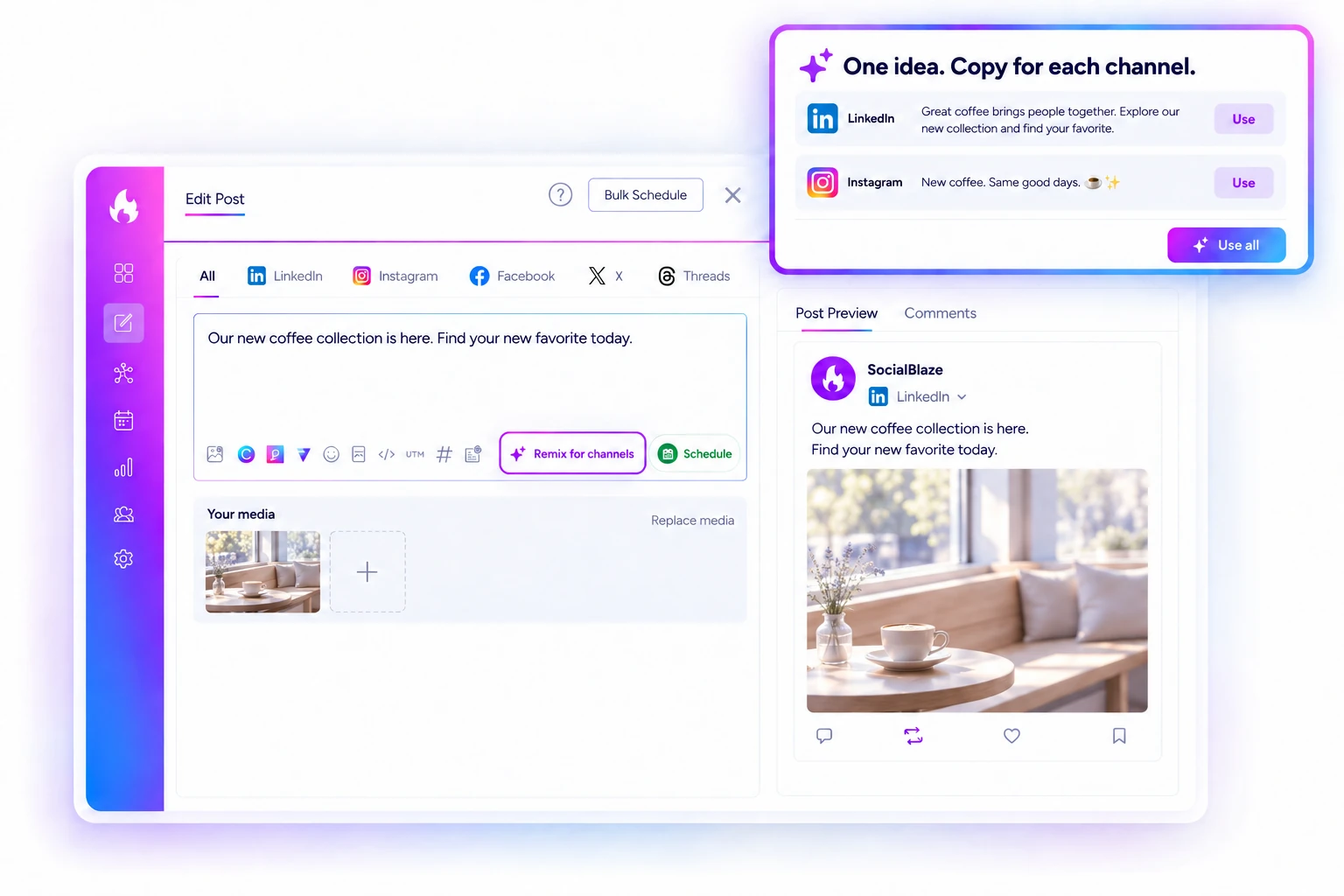
02 · YOUR CONTENT
Make every post feel like you.
Write your caption and use your own approved photo or video. Review names, offers, links and brand details, then adjust the draft for each selected platform. AI suggestions are yours to edit before anything goes live.
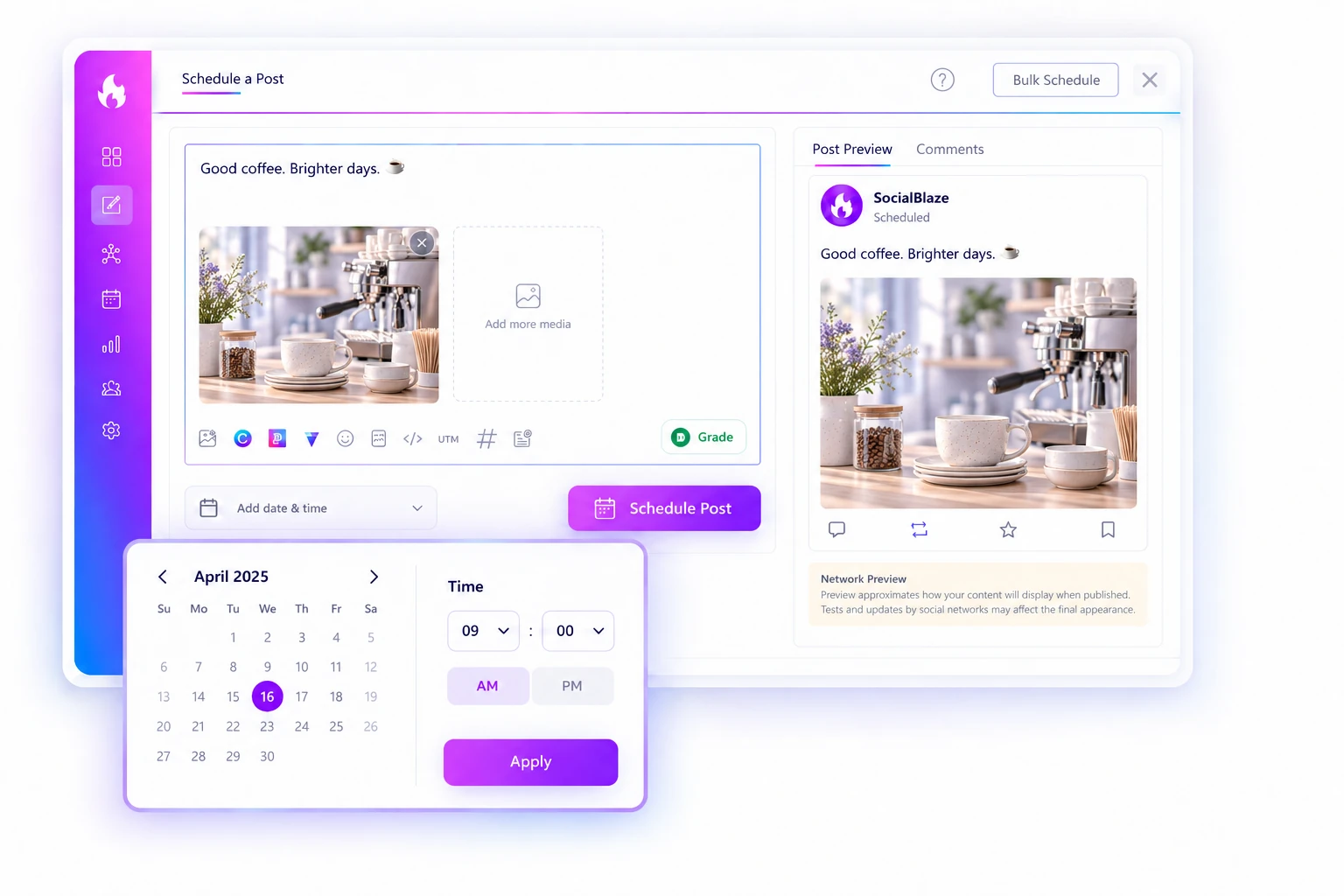
03 · YOUR SCHEDULE
Choose a time. Get on with your day.
Set the date, time and time zone, check your selected accounts, and save your schedule. A draft is not a scheduled post: confirm that your content appears in the scheduled list before moving on.
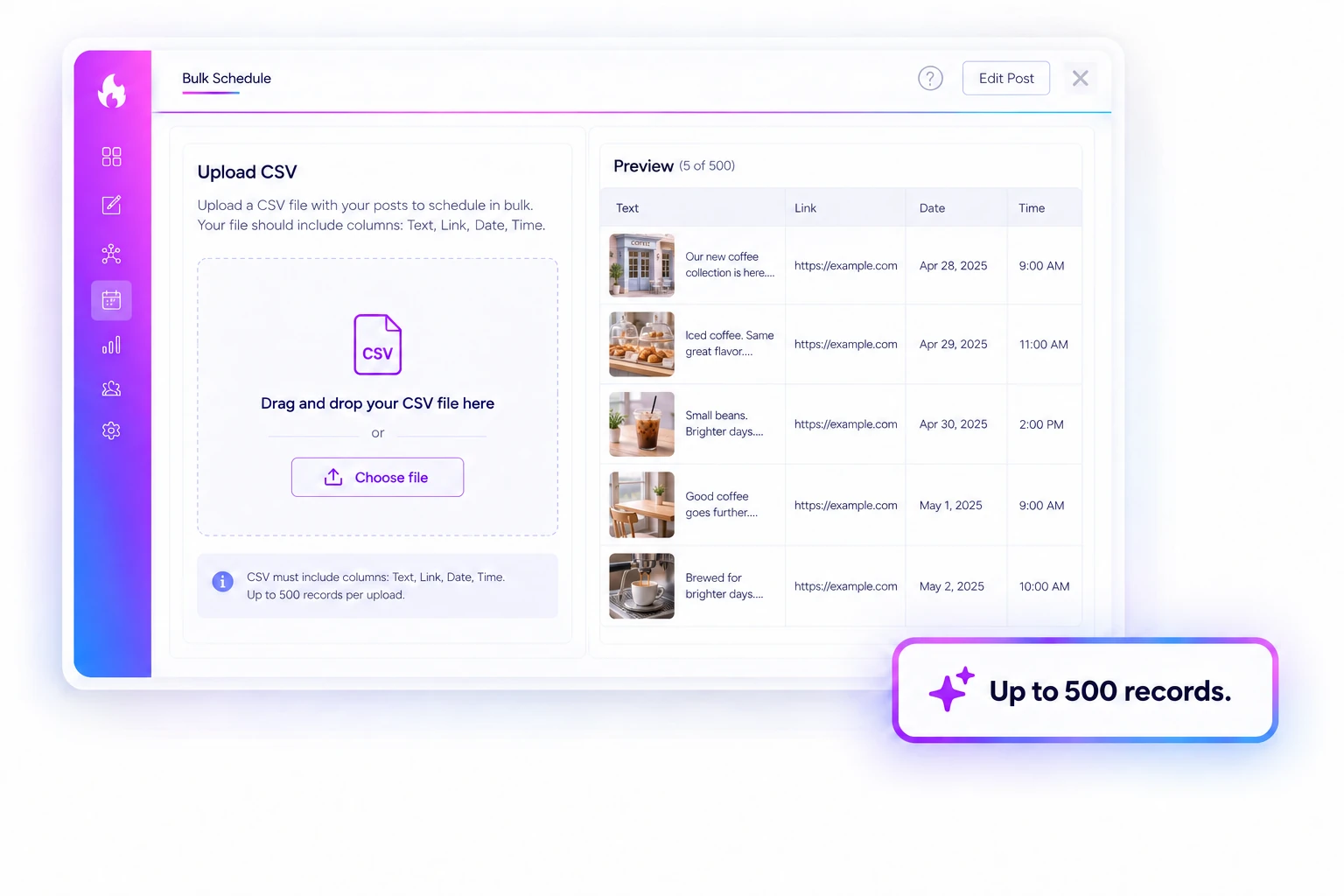
04 · YOUR PLAN
Build a week you can review.
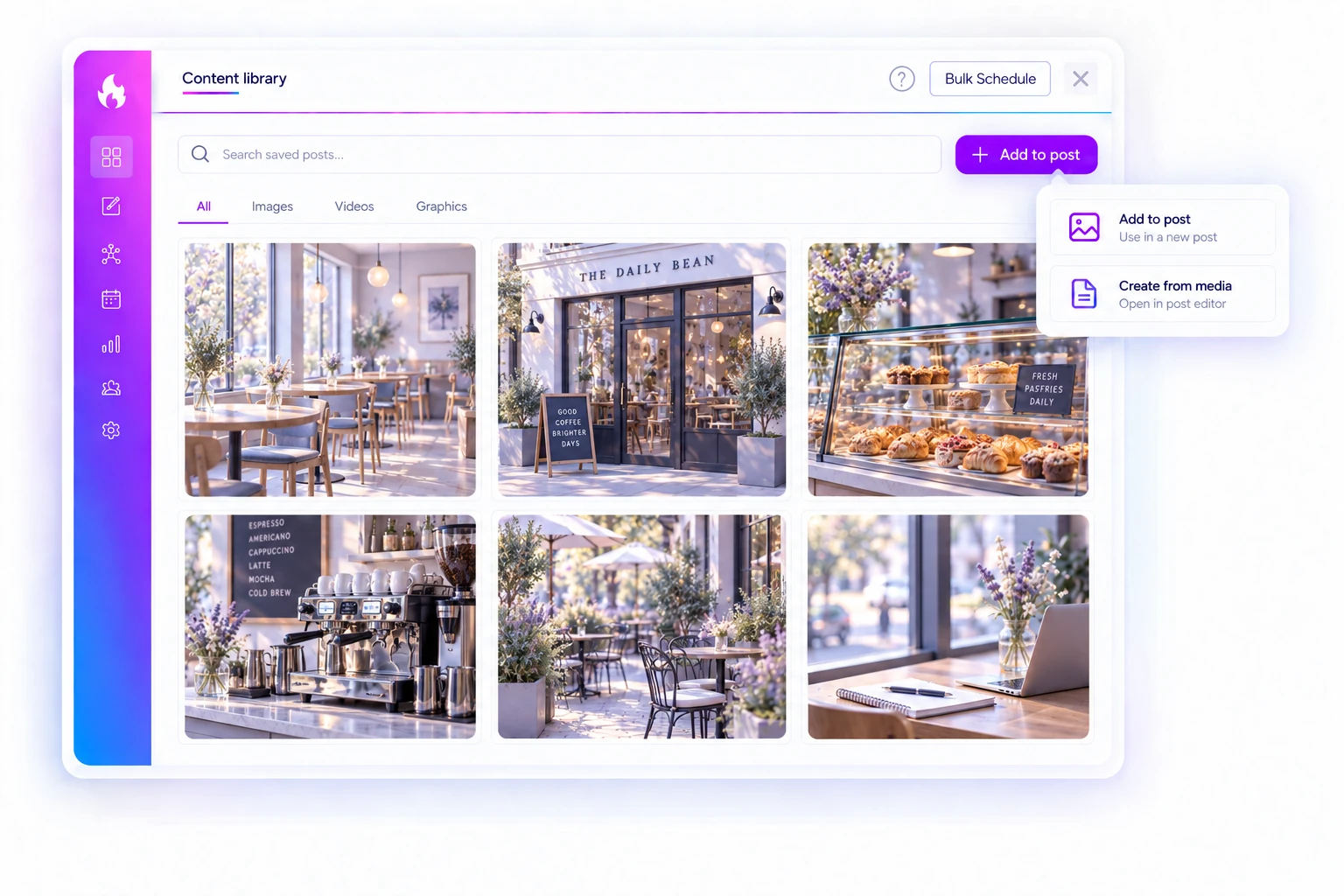
Prepare a small batch of approved posts so your plan is easier to check. If you use Bulk Scheduling, review the imported content and account choices before scheduling. Feature availability depends on your plan.
05 · YOUR RESULTS
Know what happened after you hit save.
After the scheduled time, check the publishing status and the destination account. If a post fails, review the connection, permissions and media requirements before scheduling more content.
FREE FOREVER
A clear starting point for your schedule.
SocialBlaze Free Forever includes up to three connected channels and ten pending posts per channel at any given time. This is pending-queue capacity, not a monthly publishing allowance. No credit card is required to start. Account type, supported media and publishing permissions vary by network; check current plan allowances before choosing additional features.

