The SocialBlaze ecosystem
Your favorite tools.One connected workflow.
Bring your social accounts, AI assistants, creative tools, and content sources together. Find the connections that make your everyday work easier.
Explore integrations ↓
 ChatGPT
 Google Drive
 Canva
Canva Slack
Slack Instagram
 Zapier
Create. Connect. Keep things moving.
01 · INTEGRATIONS
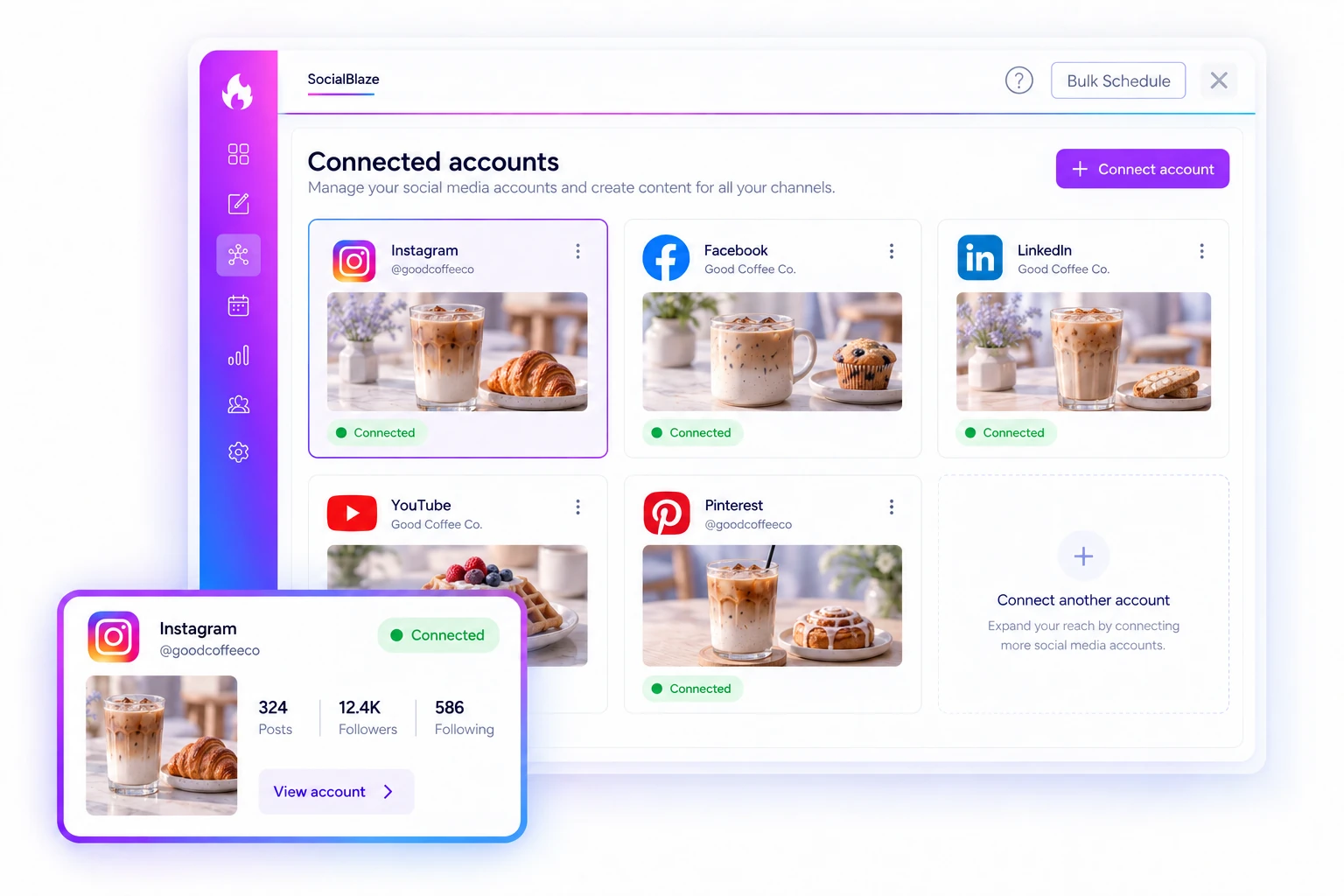
Connect your social accounts to one workspace.
Bring supported social accounts into SocialBlaze and choose where each post should go. Create and schedule from one place while keeping each network’s available formats and account requirements in mind.
Start Free Forever →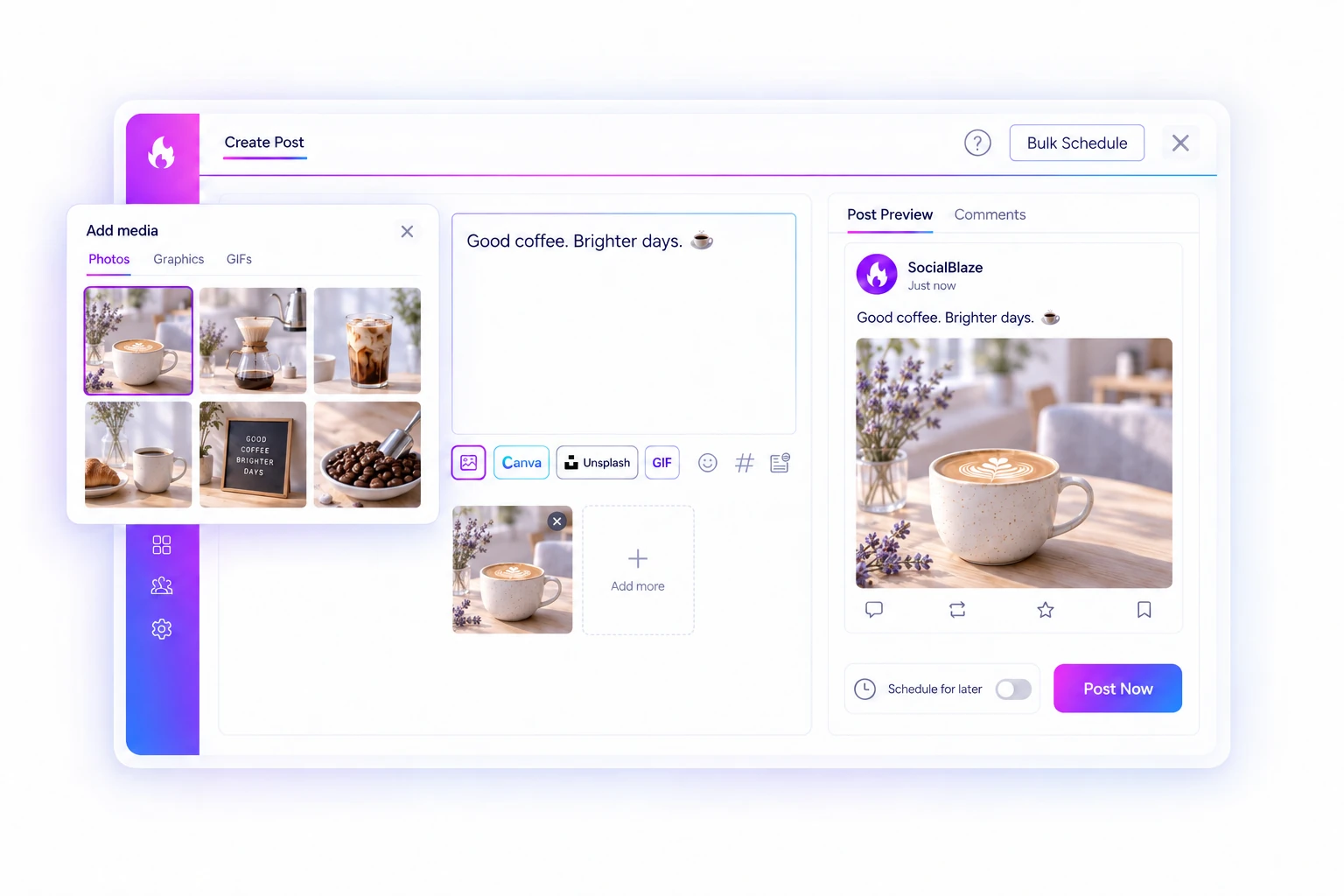
02 · INTEGRATIONS
Bring creative tools into the posting process.
Use the available Canva, Unsplash, and GIF options while preparing content. Find or create a visual, add it to your post, and keep working on the caption and publishing details.
Start Free Forever →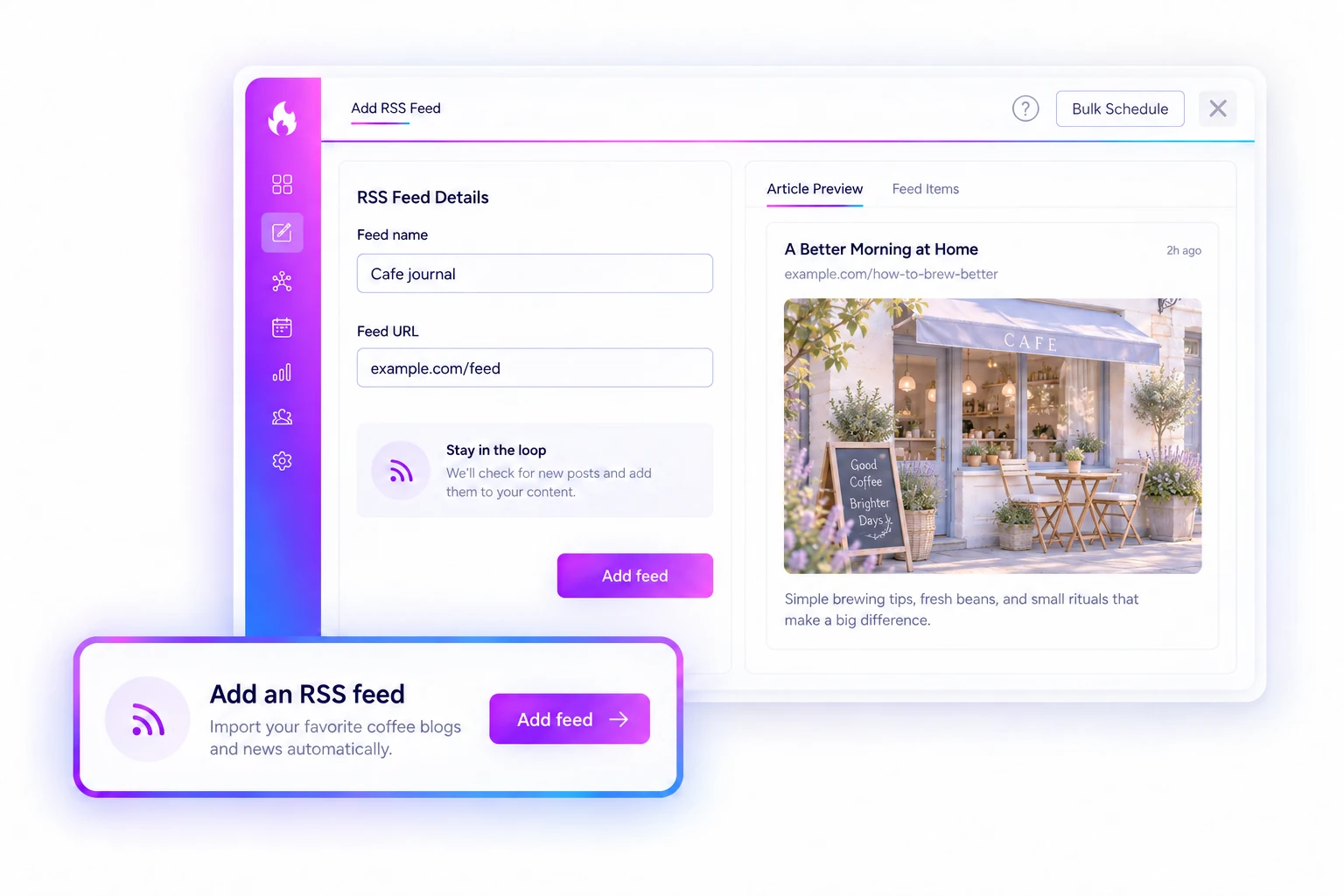
03 · INTEGRATIONS
Bring blog content into your social plan.
Add an RSS source to discover articles and set up sharing for selected accounts. It gives your published content a practical route into your social workflow.
Start Free Forever →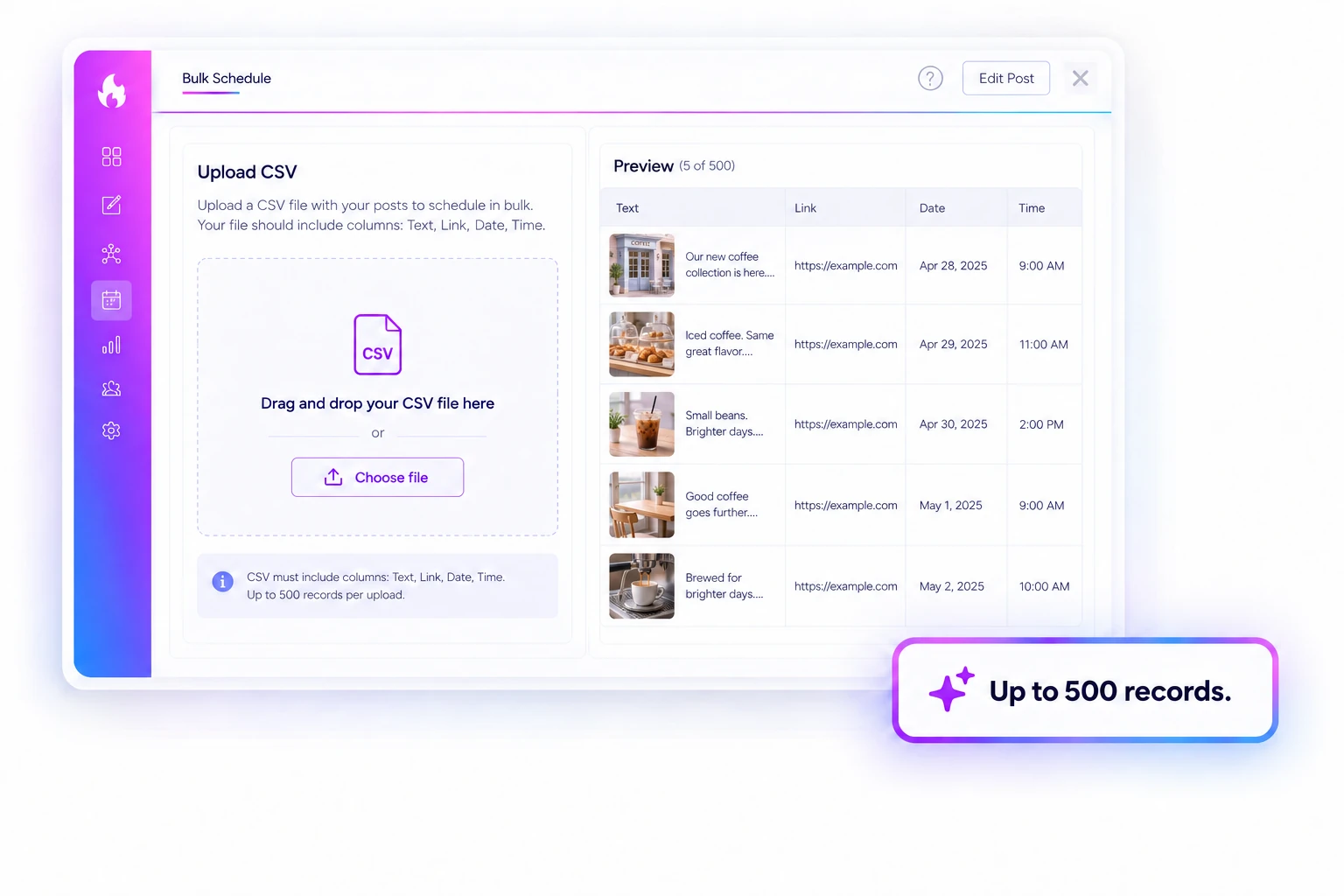
04 · INTEGRATIONS
Move a spreadsheet of posts into the schedule.
Use CSV import when your content plan already lives in a spreadsheet. Upload up to 500 records, review the posts, and choose the accounts and timing before scheduling.
Start Free Forever →
05 · INTEGRATIONS
Share useful finds from your browser.
Use the browser extension to start a social post from a page you are reading. Add your perspective and choose whether to save it for later or schedule it into your plan.
Start Free Forever →Publish where your audience is
Social channels


Tumblr
Plan and manage your Tumblr content from SocialBlaze.


Google Business Profile
Approval pendingLocal business publishing is awaiting platform approval.
Build your workflow
AI assistants

Claude
Use Claude to shape your message, explore a campaign angle, and refine your social copy.
Explore Claude ↗

Perplexity
Setup pendingExplore ideas and gather context in Perplexity, then turn what you learn into social content with your own perspective.
Explore Perplexity ↗Build your workflow
Create & import
Google Drive
Bring the images and videos you keep in Google Drive into your social content workflow.
Explore Google Drive ↗
Google Photos
Approval pendingTurn the moments you capture into stories for your social channels.
Explore Google Photos ↗
OneDrive
Setup pendingKeep your social content connected to the files your team already uses.
Explore OneDrive ↗
Dropbox
Start your next social post with the campaign assets you have organized in Dropbox.
Explore Dropbox ↗
Canva
Create a visual that feels like your brand in Canva and bring the finished design into your SocialBlaze post.
Explore Canva ↗
Picsart
Use Picsart to polish the creative behind your post, from a fresh crop to a new visual treatment.
Explore Picsart ↗
VistaCreate
Create on-brand graphics with VistaCreate, then use your finished designs in your SocialBlaze workflow.
Explore VistaCreate ↗
Unsplash
Look for photography that supports your story, rather than filling a space.
Explore Unsplash ↗
GIPHY
Bring a reaction, a celebration, or a little personality to your content with GIPHY.
Explore GIPHY ↗Build your workflow
Automate & connect

Feedly
Use the sources you follow in Feedly to inspire a more useful social content mix.
Explore Feedly ↗

Rebrandly
Use your connected Rebrandly account to prepare branded short links for your social content.
Explore Rebrandly ↗
Bitly
Use your connected Bitly account to shorten links for the posts you prepare in SocialBlaze.
Explore Bitly ↗Save a step
Browser extension
Chrome extension
Bring content you find while browsing into your social publishing workflow.
Explore browser extensions ↗Firefox extension
Bring content you find while browsing into your social publishing workflow.
Explore browser extensions ↗On the horizon
Your workflow. On the go.
iOS app
Coming soonSocialBlaze for iPhone and iPad. We’ll share availability when it is ready.
Android app
Coming soonSocialBlaze for your Android device. Stay tuned for launch updates.


