
AI IMAGE STUDIO
A fresh image.
A new possibility.
Create images for your social posts, work from a reference, and bring your next idea into the composer – all in SocialBlaze.
Available with Essentials and Team. Image credits are separate from AI writing credits.
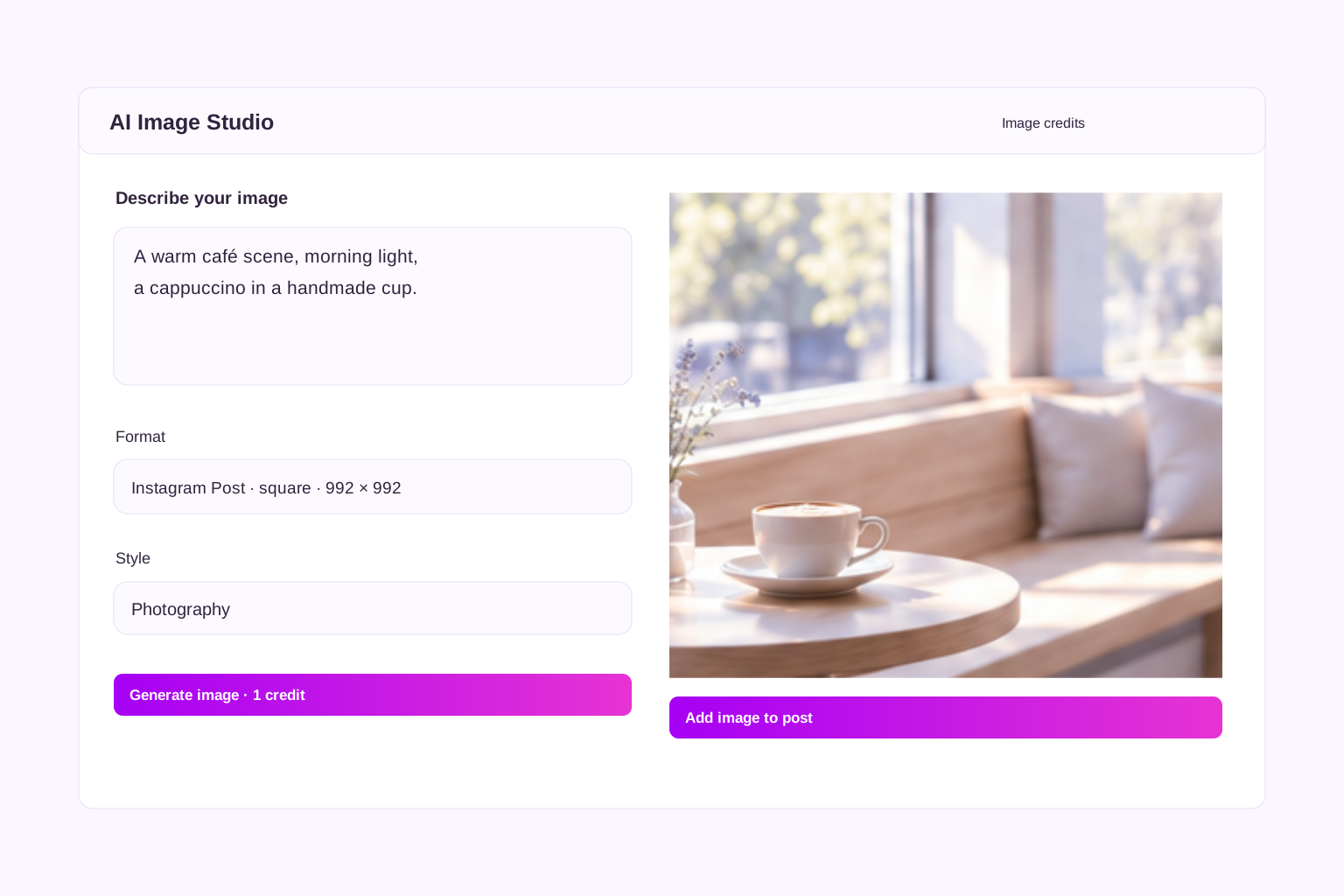
FROM IDEA TO IMAGE
Your next post starts with a picture.
Describe the scene you have in mind, choose a style, and generate an image without leaving your post composer. See the result before you add it.
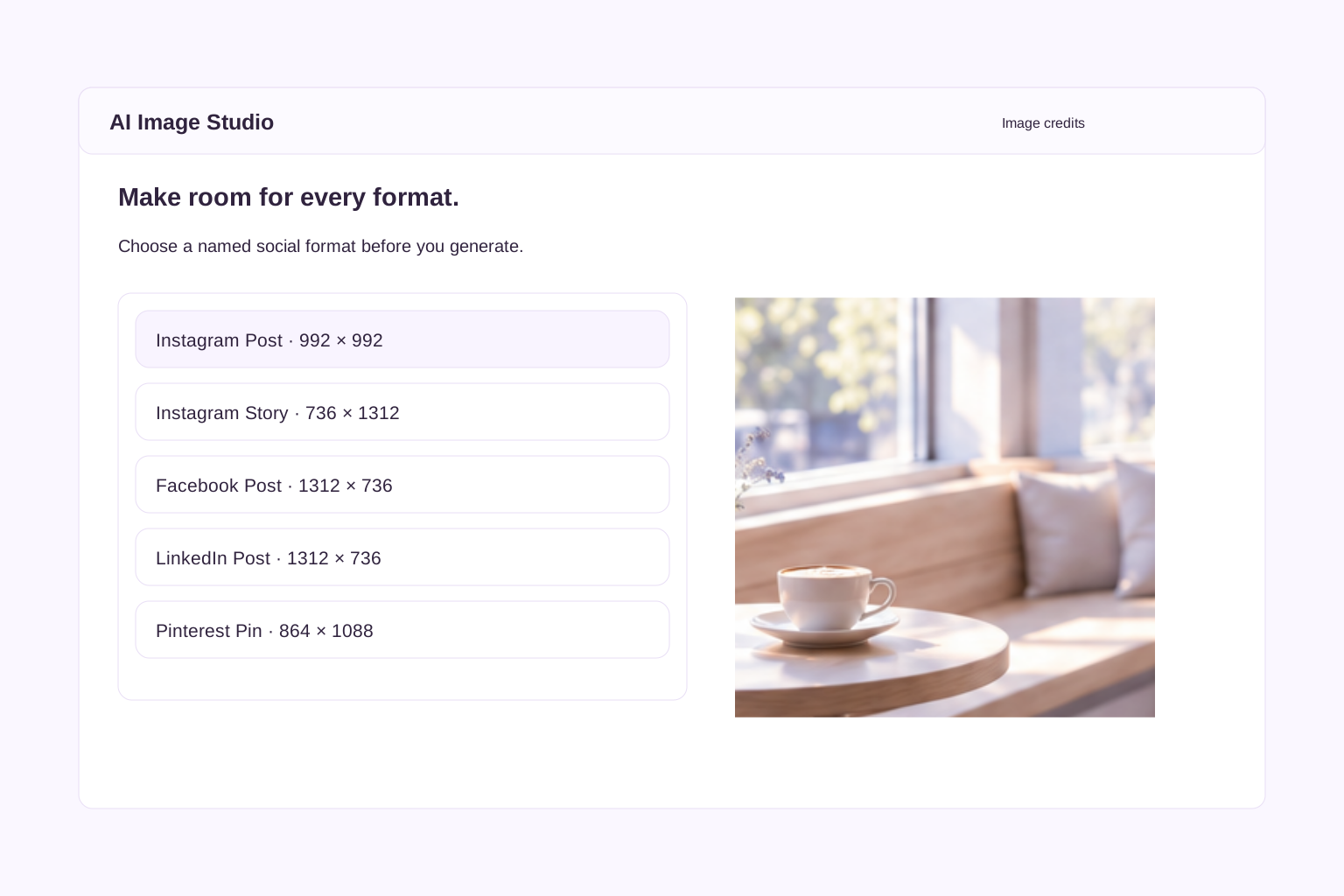
MADE FOR YOUR CHANNEL
Pick a format people recognise.
Choose Instagram Post, Instagram Story, Facebook Post and other named formats, with dimensions shown beside each option. New images stay within one megapixel.
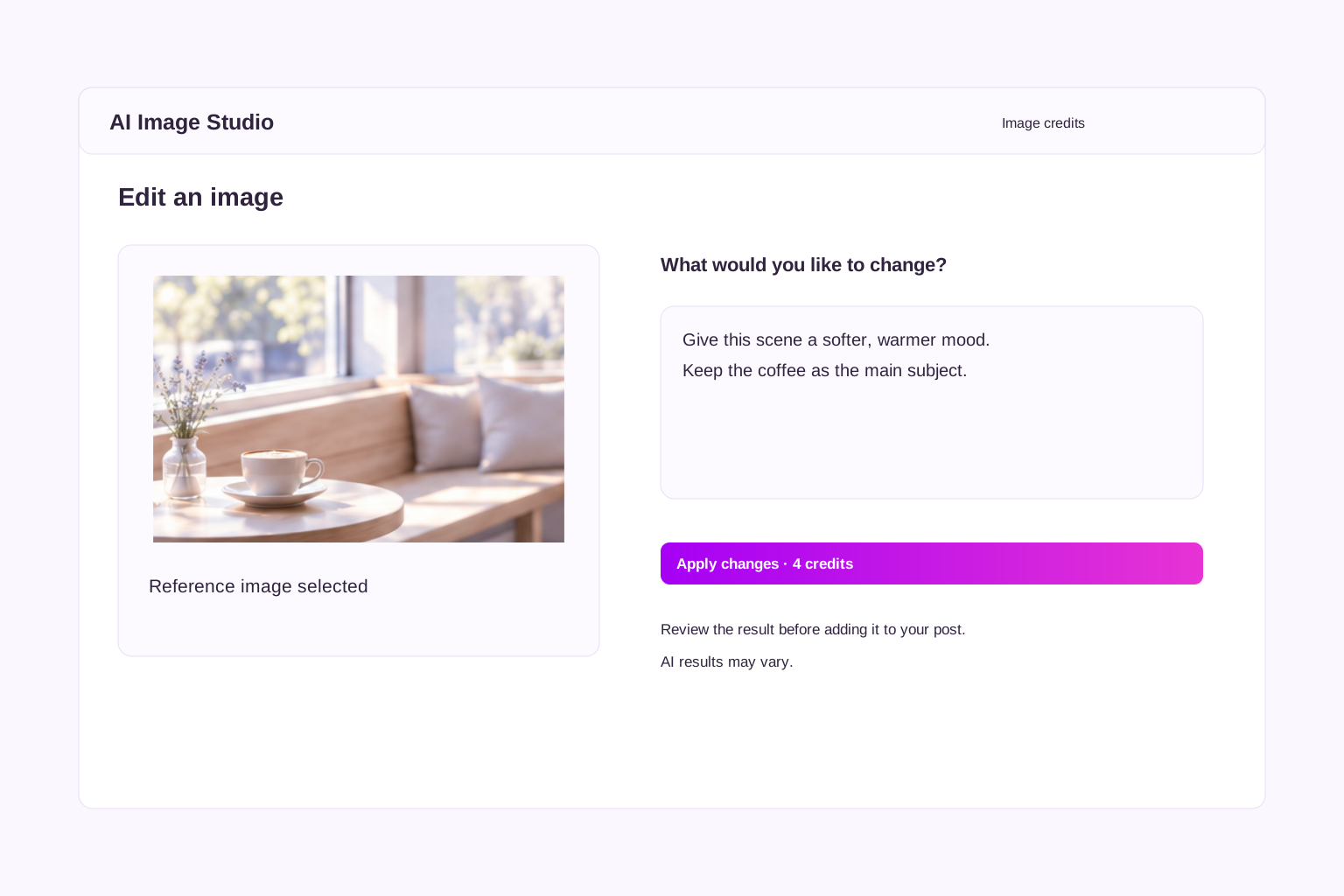
START WITH A REFERENCE
Give an existing image a new direction.
Upload a reference image and describe what you would like to change. Review the AI result before adding it to your post. Each edit uses four image credits; results may vary.
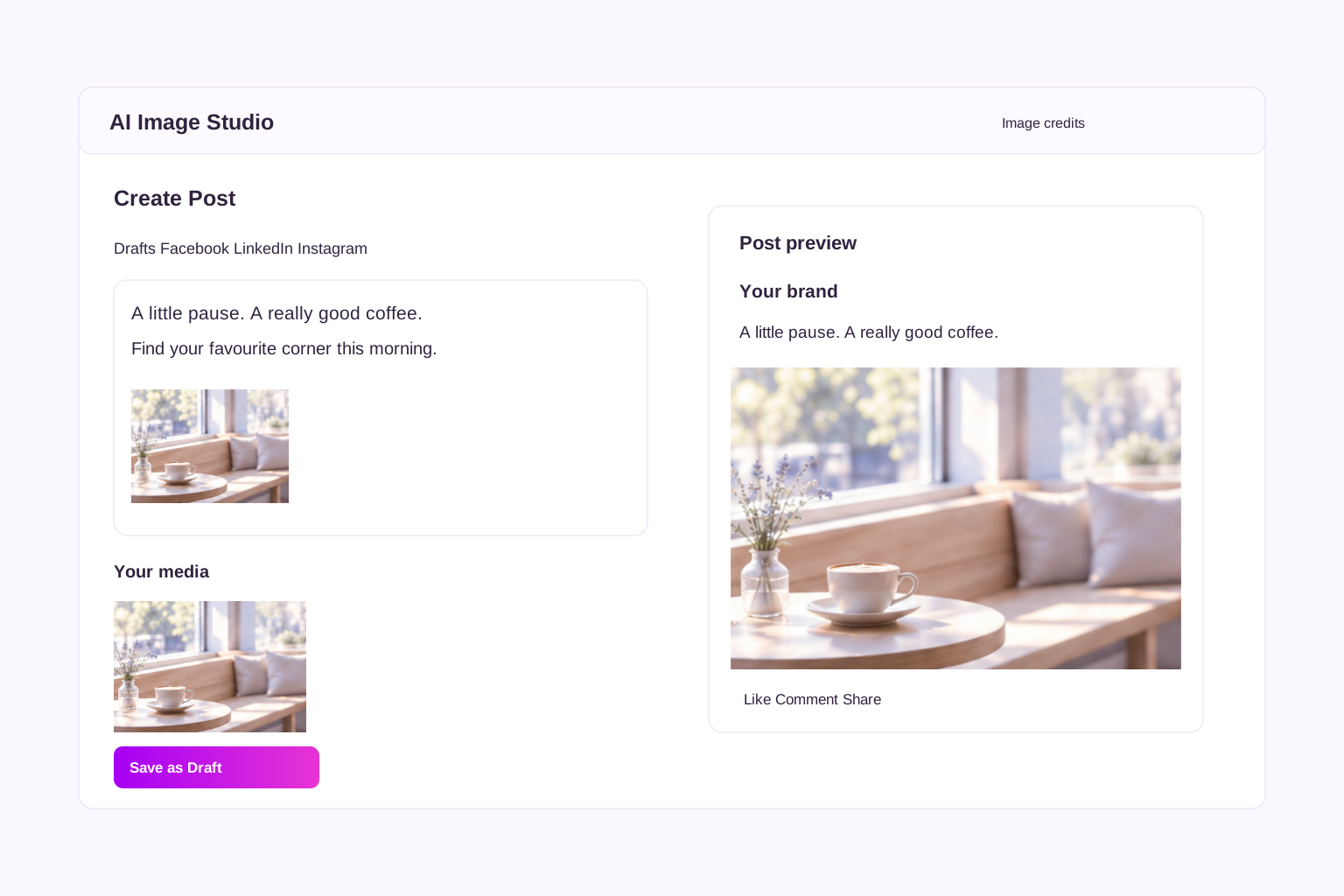
RIGHT IN YOUR WORKFLOW
Create it. Add it. Keep composing.
Add your image to the current channel or your selected channels. Existing images stay attached, so you can build a multi-image post and preview it before scheduling.
YOU STAY IN CONTROL
See your credits before you create.
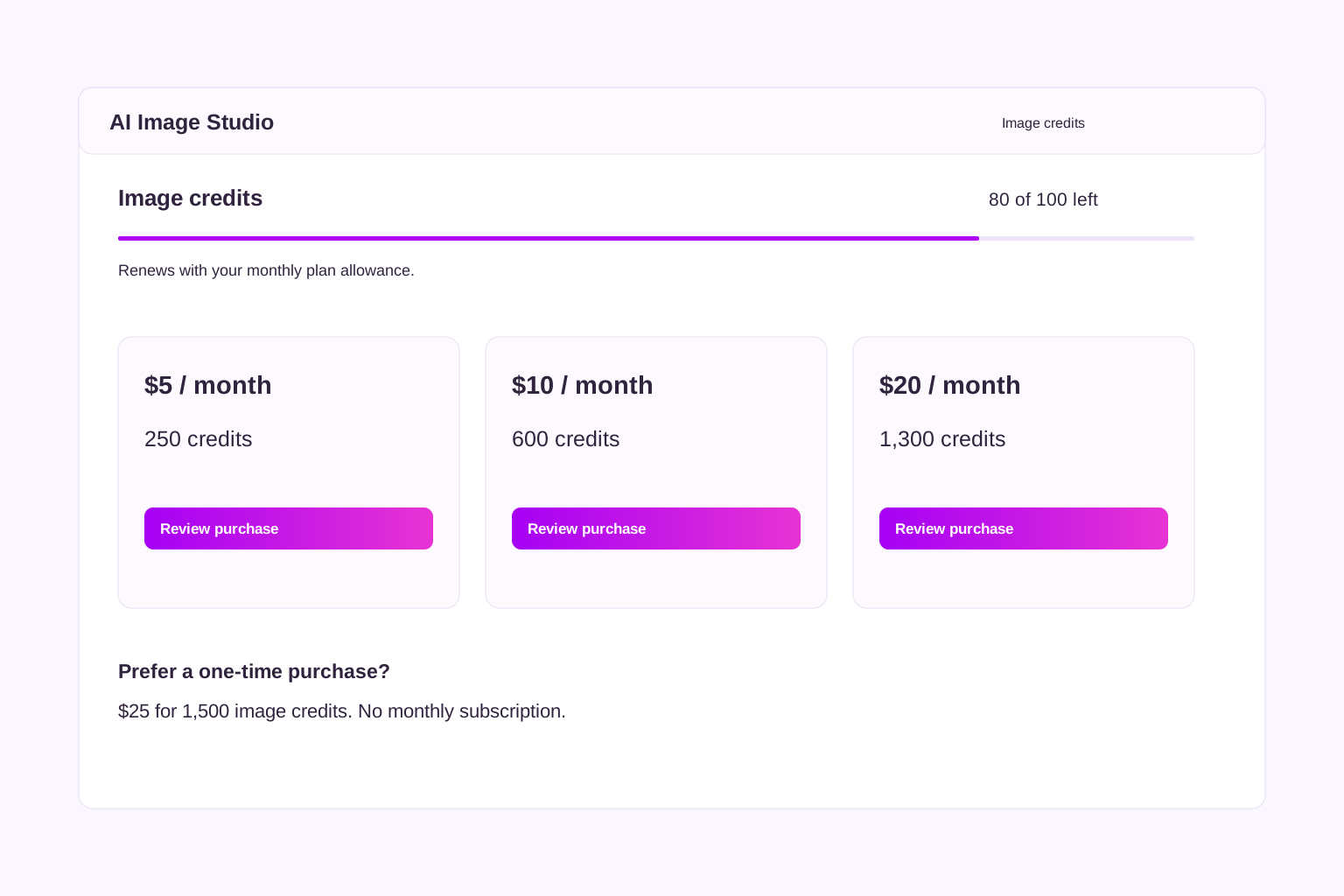
A thin purple meter shows your remaining image credits. Essentials and Team include monthly allowances. Add a separate monthly image package or choose a one-time credit purchase when you need more.
A LITTLE AI. A LOT OF POSSIBILITY.
Make your next idea a little more visual.
Start with SocialBlaze, then unlock AI Image Studio with Essentials or Team.

