
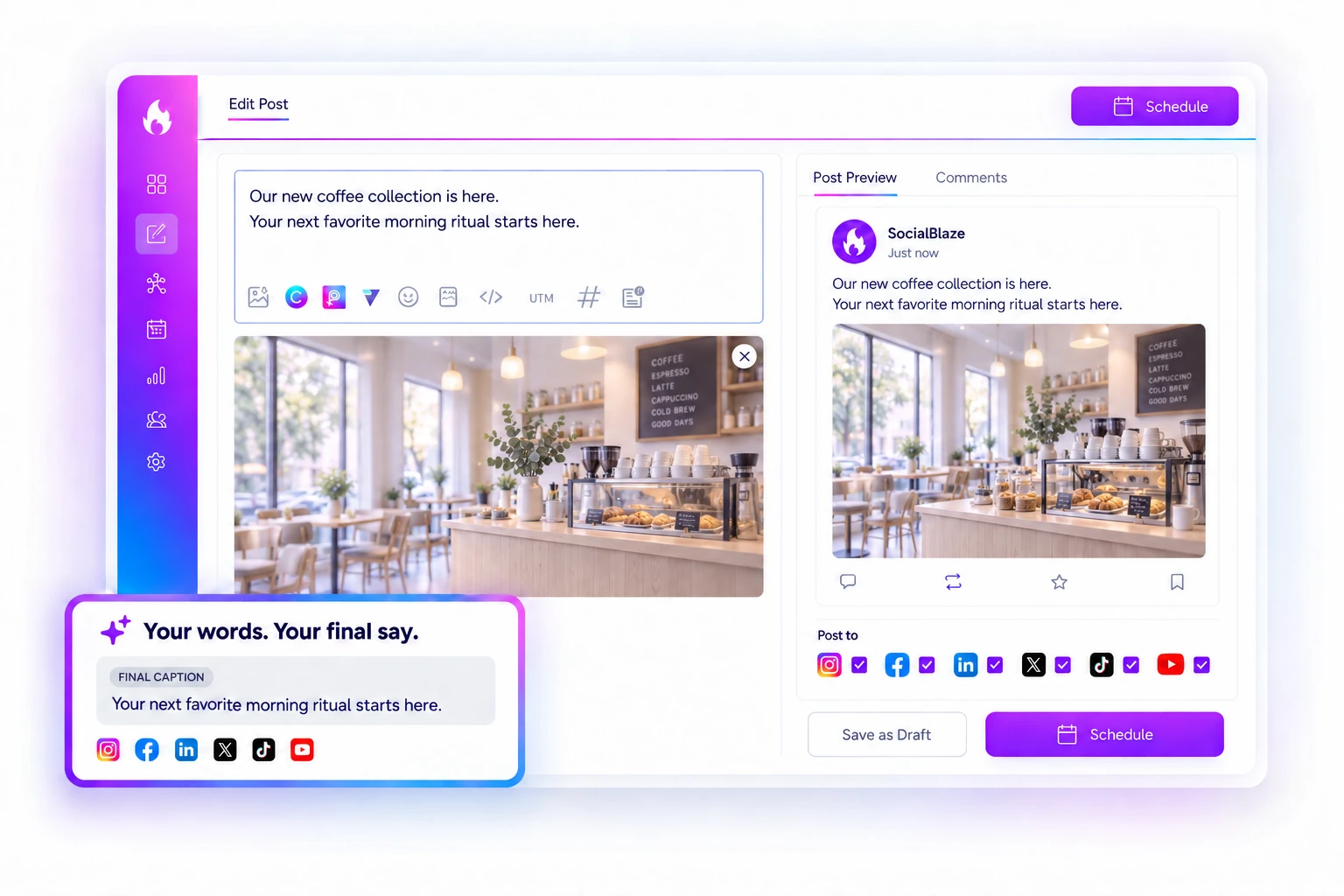
01 · ENTERPRISE
Bring your team’s publishing work into one workspace.
Create posts, choose connected accounts, and manage your publishing plan in SocialBlaze. Keep the everyday work visible so more people can contribute without scattering the process across separate tools.
Start Free Forever →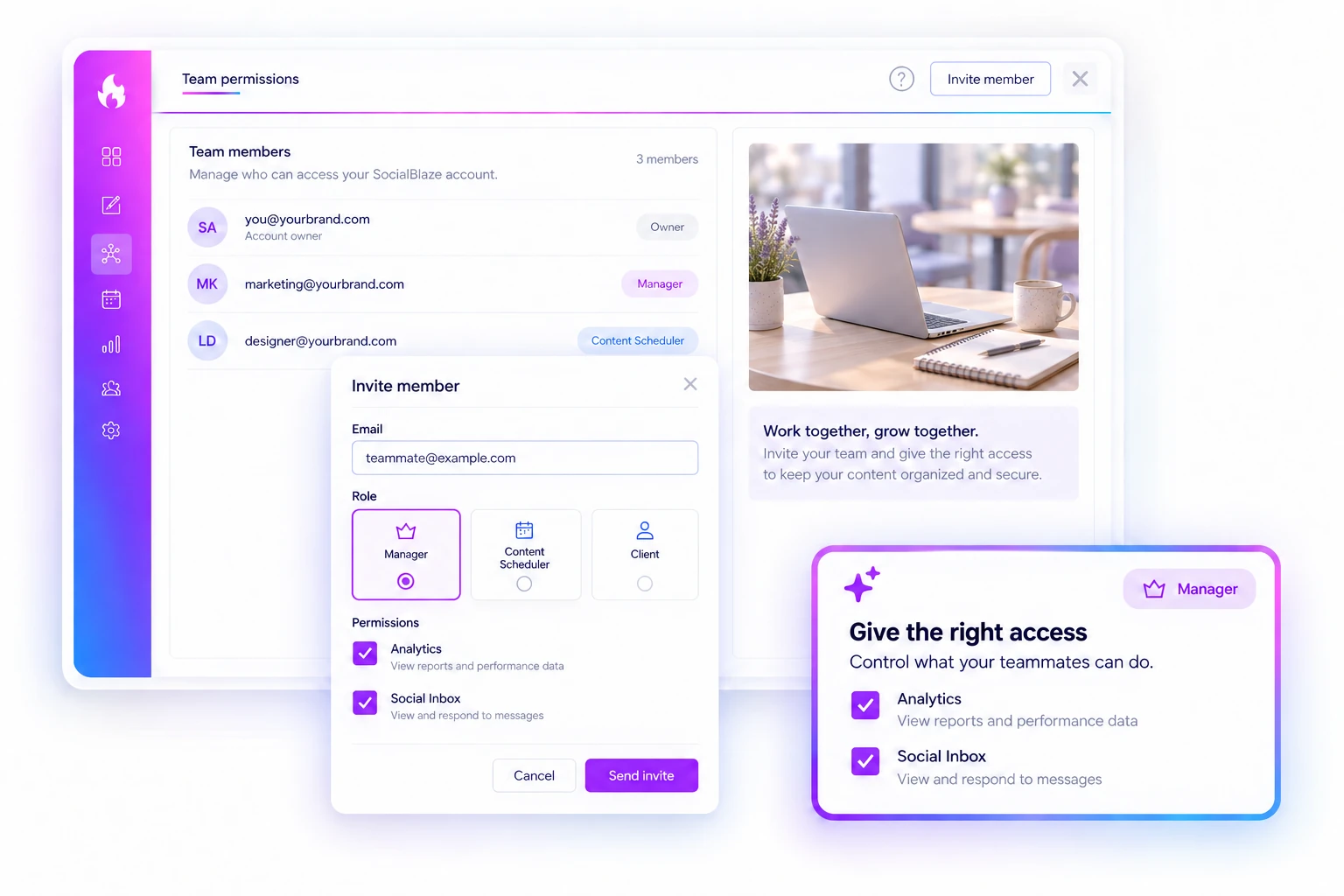
02 · ENTERPRISE
Make access match responsibility.
Invite team members and use the available roles and account permissions to organize their work. Give each person a clearer view of the accounts and tasks they are responsible for.
Start Free Forever →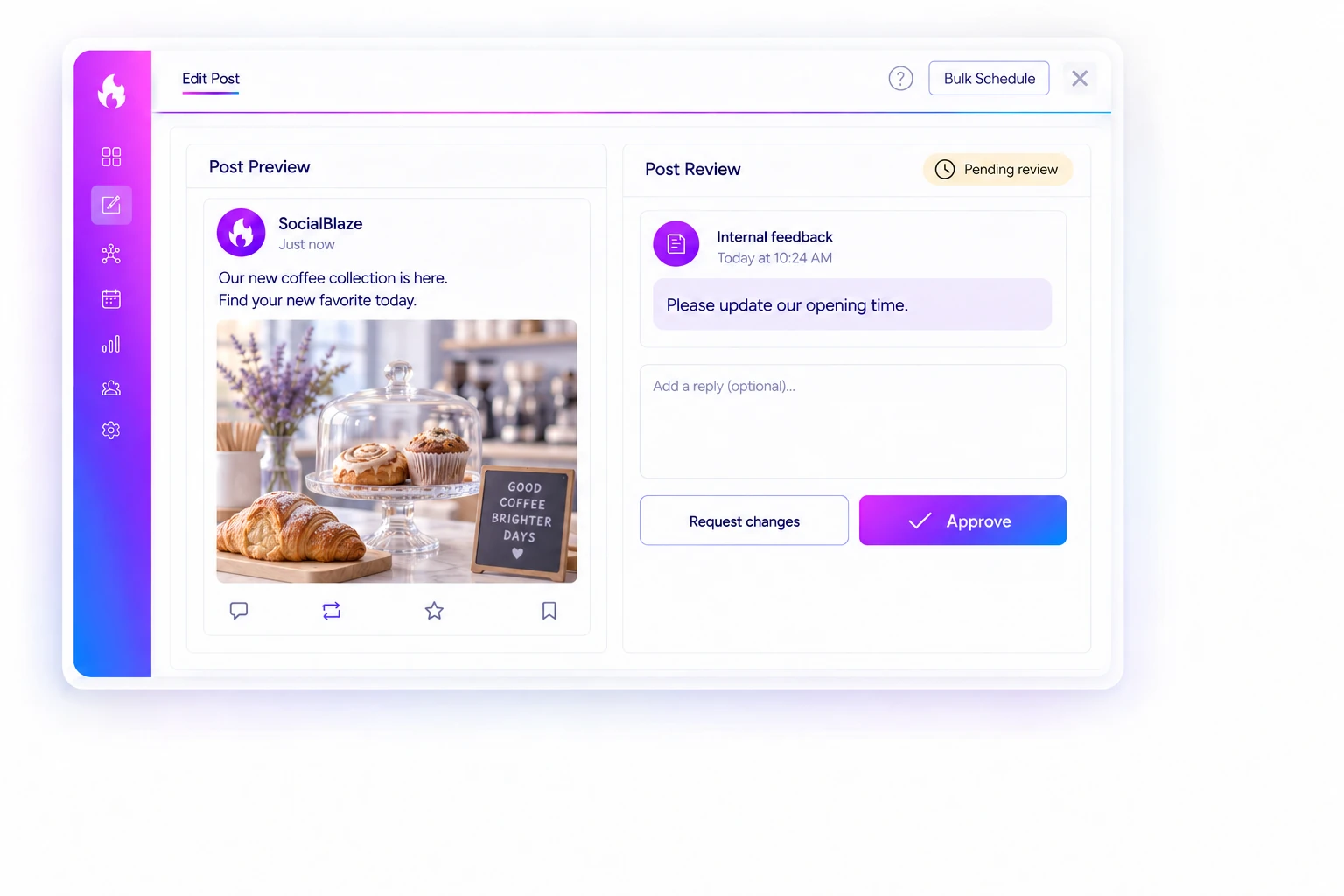
03 · ENTERPRISE
Keep review close to the content.
Use the post review workflow to gather feedback and prepare content for approval. Keep changes attached to the post so the team can see what needs to happen before publishing.
Start Free Forever →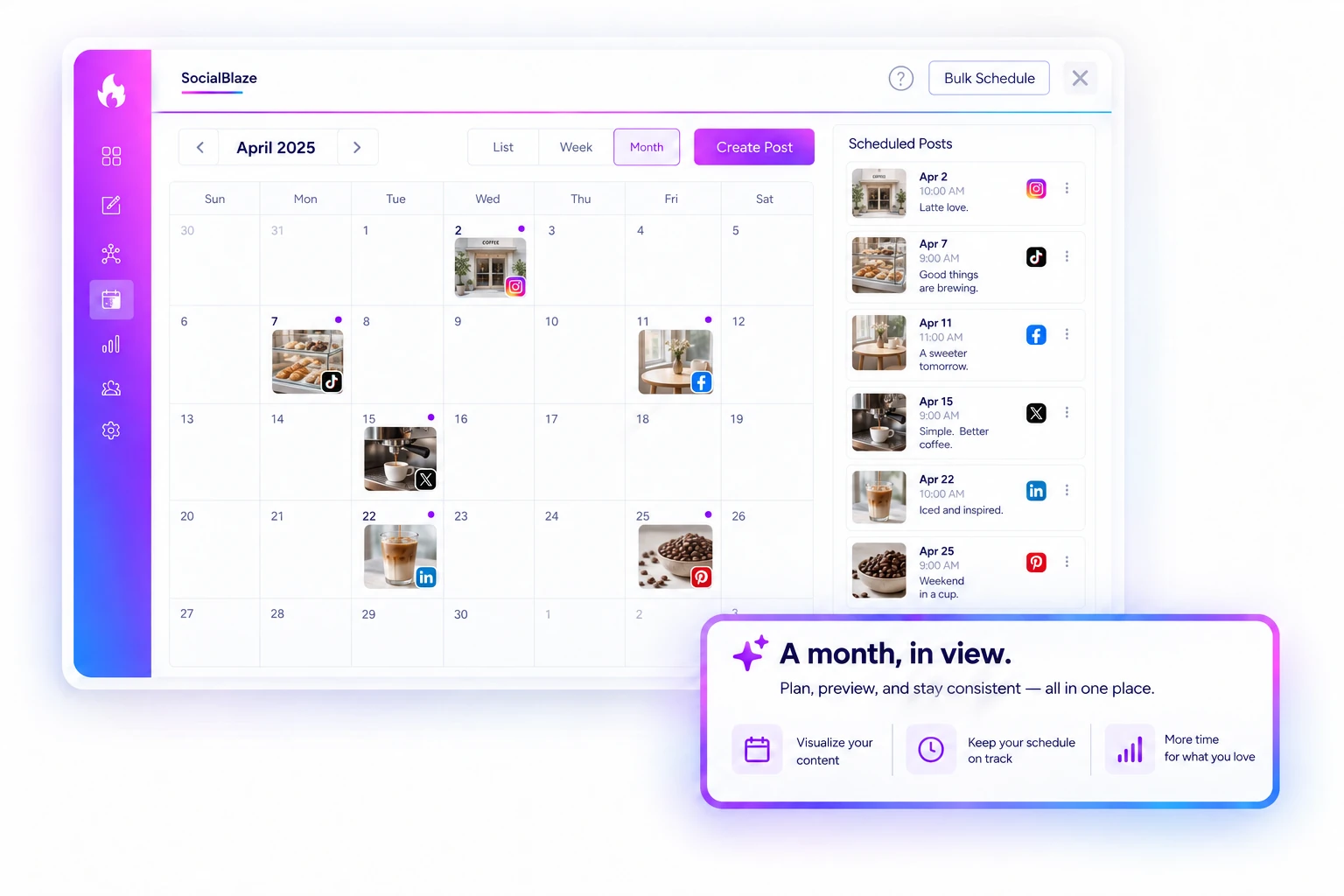
04 · ENTERPRISE
See the bigger publishing picture.
Review the calendar across connected accounts, then narrow your view when you need to focus. Bring campaigns and regular updates into a shared plan of what is going out and when.
Start Free Forever →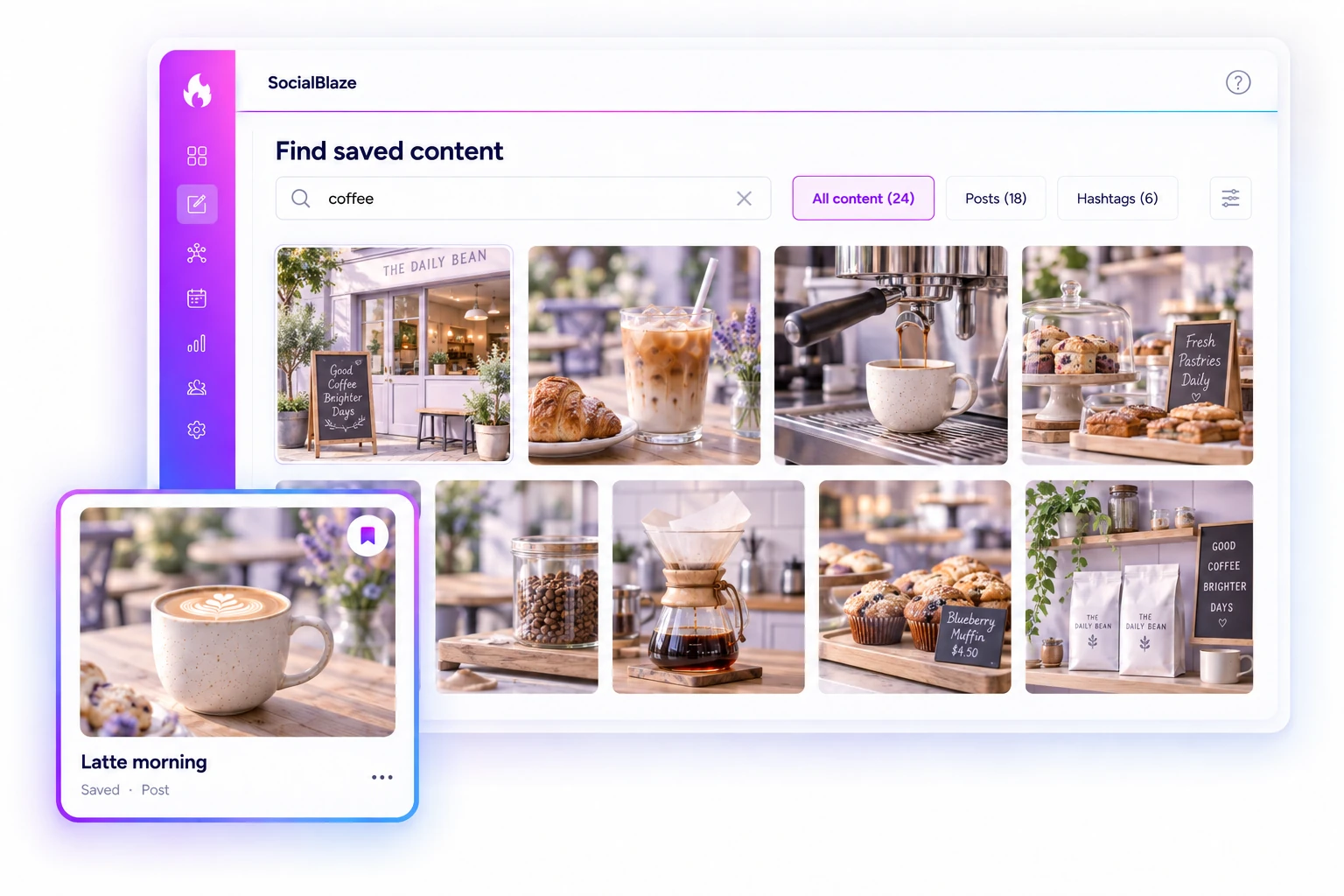
05 · ENTERPRISE
Make reusable content easier to find.
Keep saved media, captions, and hashtags in the content library. Give the next post a useful starting point while keeping the final message appropriate for its audience.
Start Free Forever →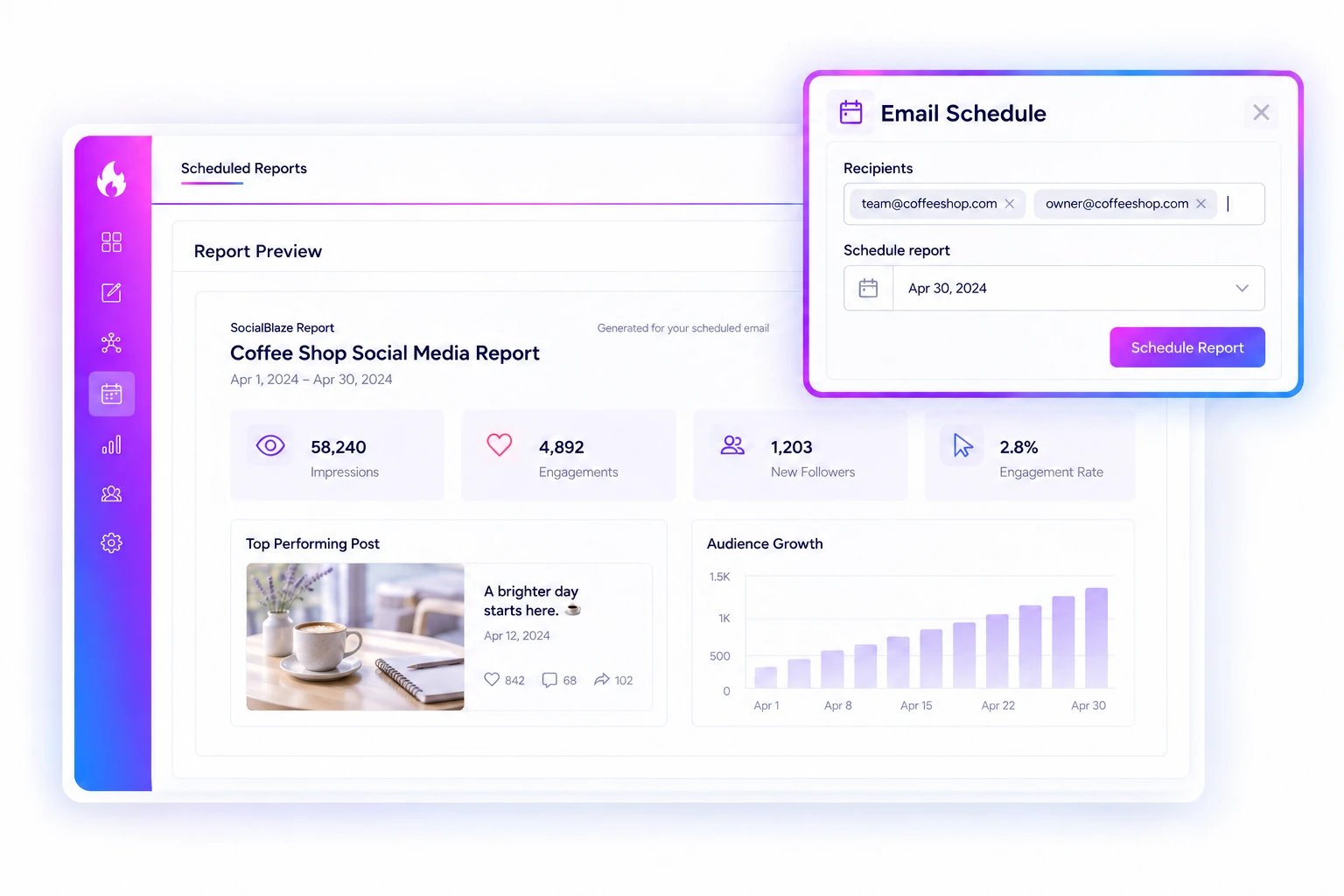
06 · ENTERPRISE
Make reporting part of your routine.
Build and share reports using the analytics available for your connected accounts. Set up recurring email reports when your team needs a regular update, with metrics that vary by network.
Start Free Forever →
