
GOOGLE BUSINESS PROFILE SCHEDULER
Keep your business in the picture.
Share what is new, plan your next update, and keep your Google Business Profile active. Your business updates, together with the rest of your social media.
Start Free Forever →Google controls how updates appear in Search and Maps.

Your next favourite cup is waiting.
Brighter days.✦
01 · GOOGLE BUSINESS PROFILE
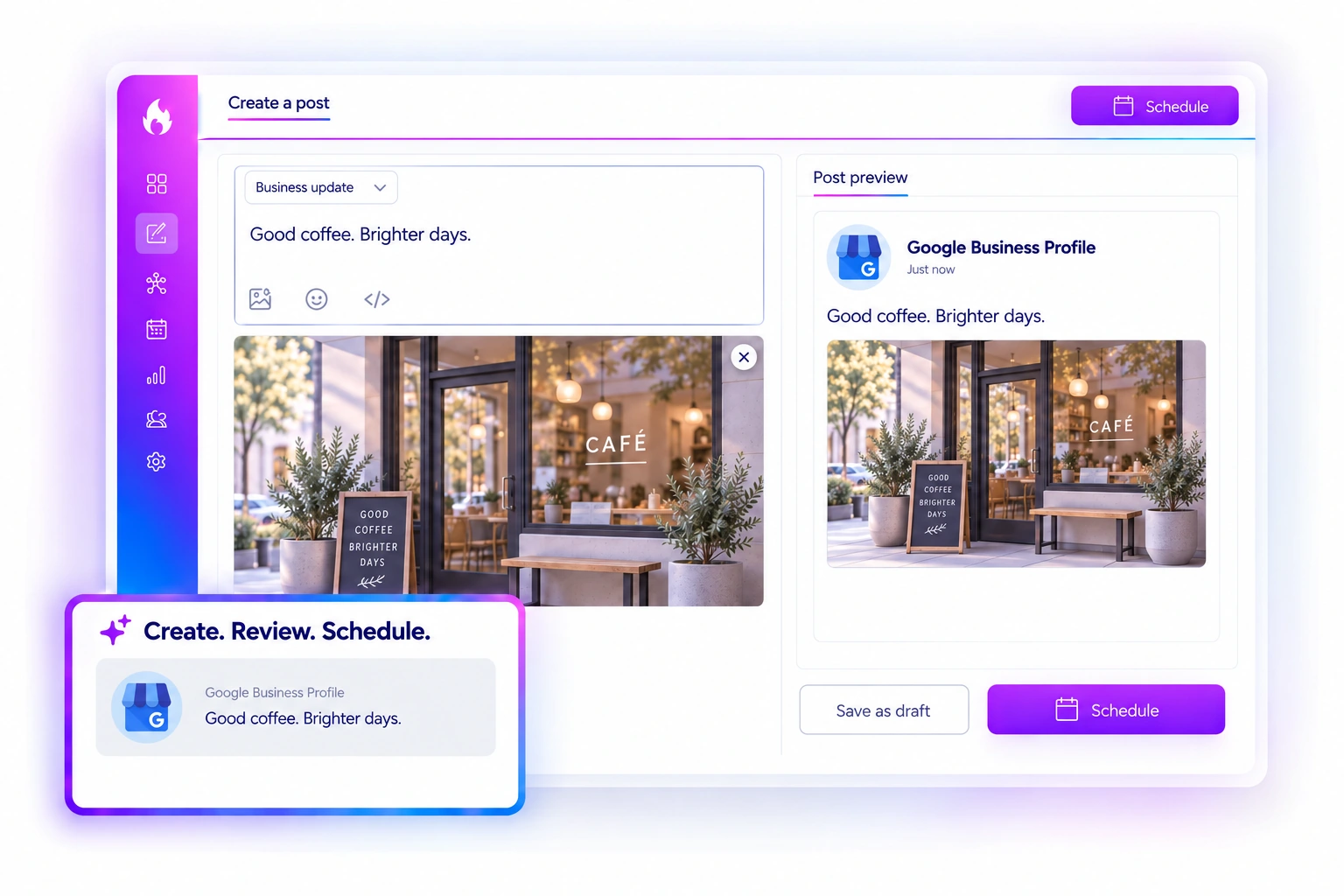
Write once. Make it a business update.
Create a Google Business update in the familiar SocialBlaze composer. Add your copy and images, review the preview, and save a draft or plan when it goes live.
Start Free Forever →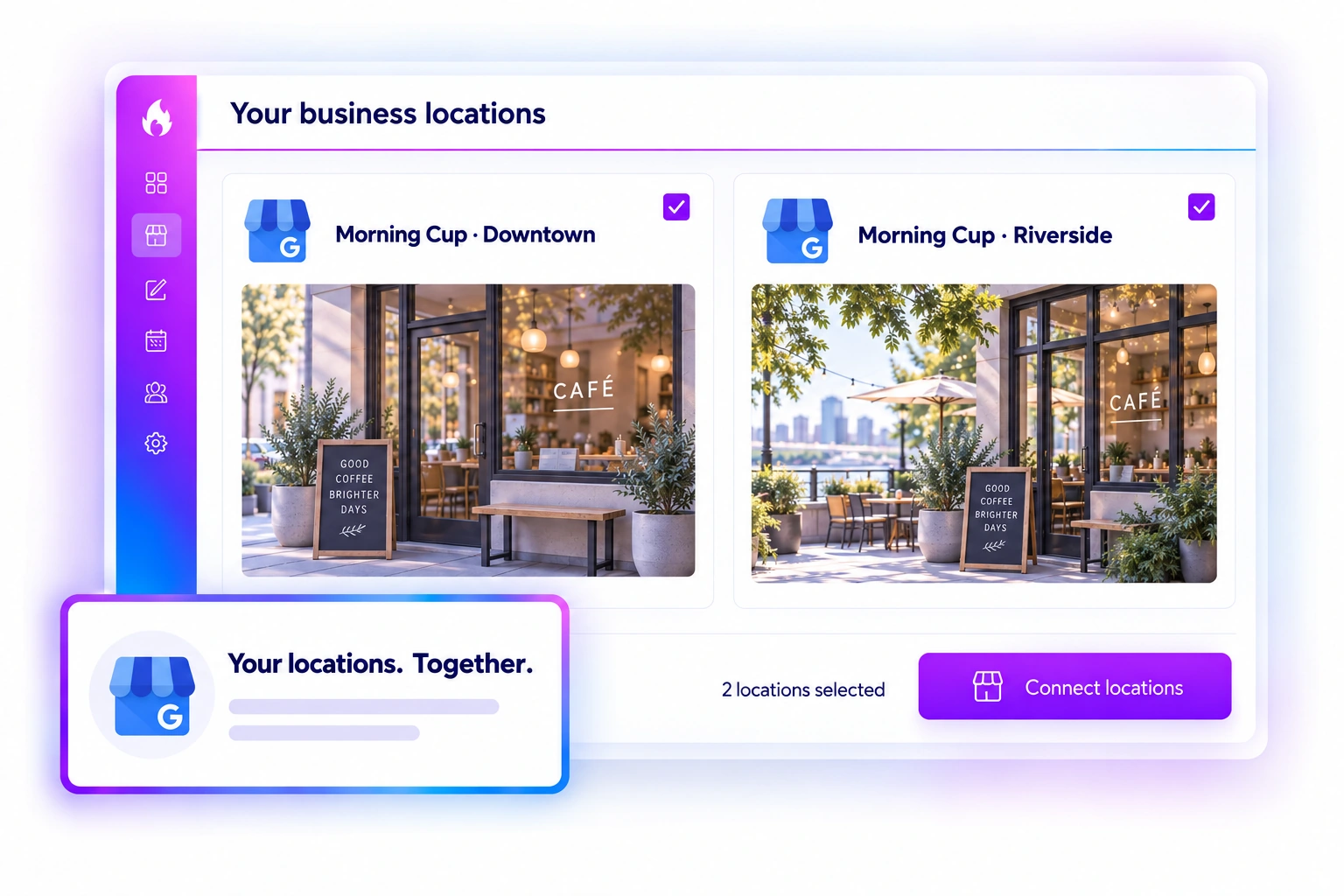
02 · GOOGLE BUSINESS PROFILE
Your locations. One clear workspace.
Sign in with Google and choose the eligible Business Profile locations you want to connect. Each location uses one connected account, so you can organize the businesses you manage.
Start Free Forever →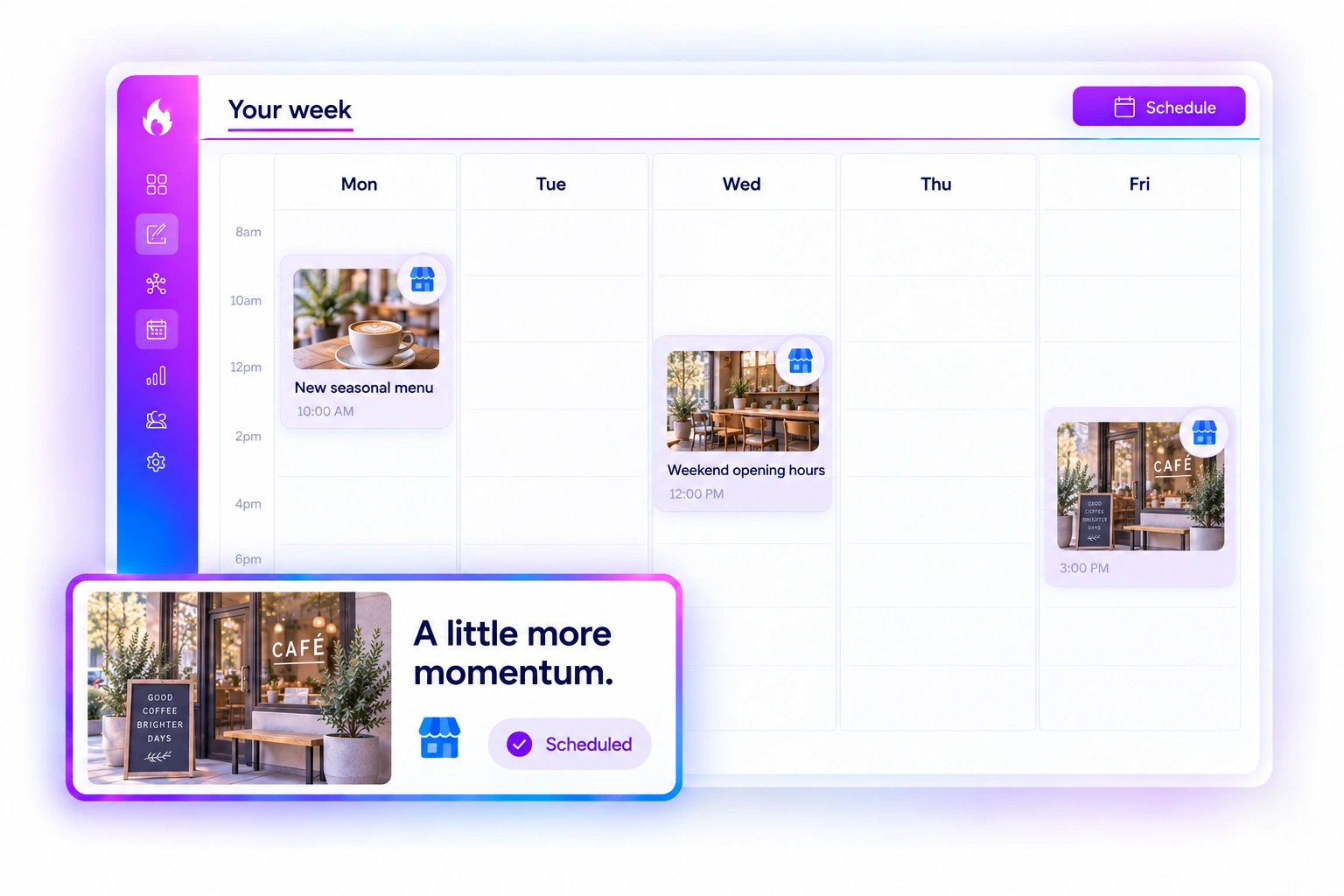
03 · GOOGLE BUSINESS PROFILE
Give your updates a place in the week.
See your Google Business posts in Calendar alongside your other channels. Switch between list, day, week, and month to review what is coming up and keep your schedule clear.
Start Free Forever →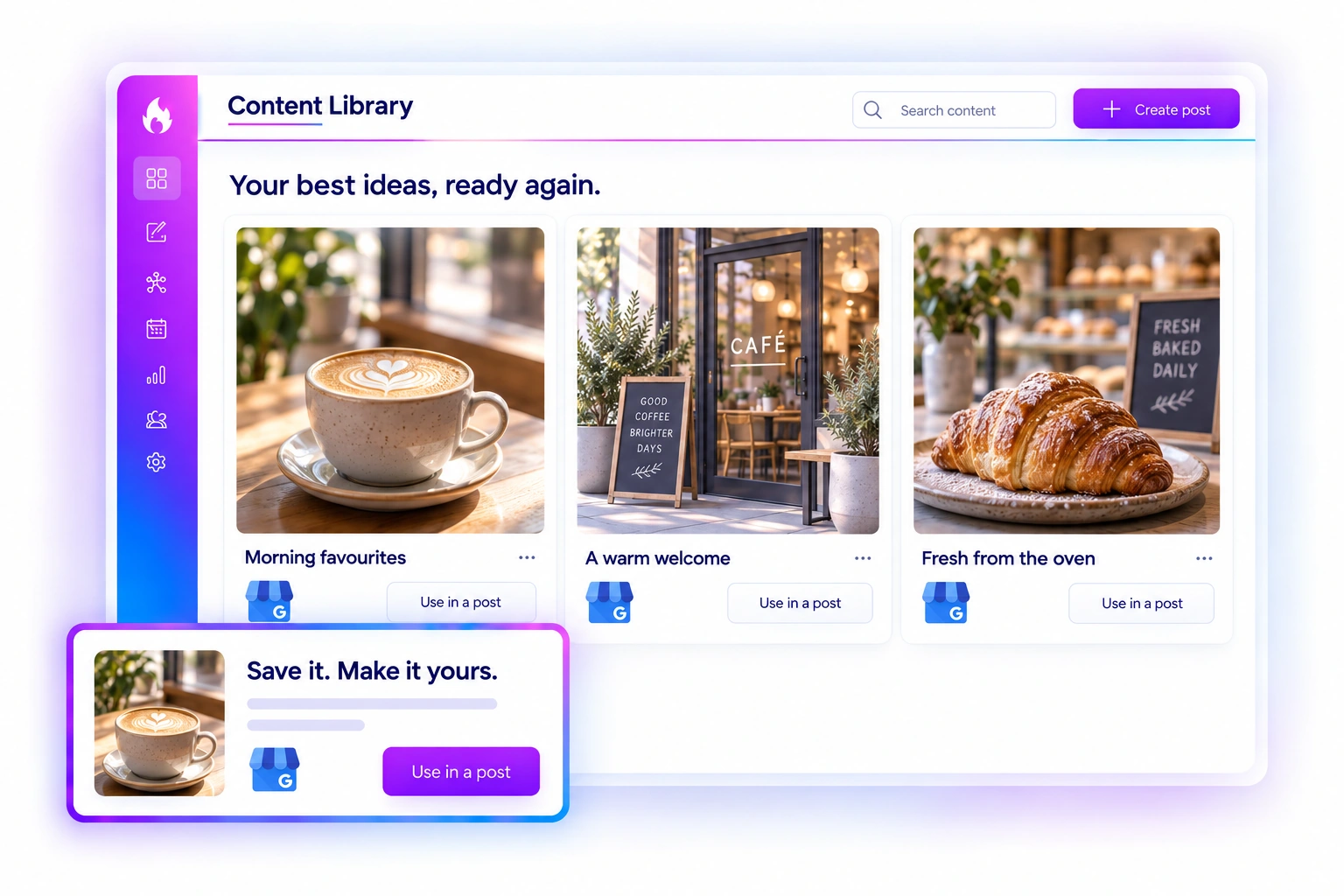
04 · GOOGLE BUSINESS PROFILE
Reuse your best ideas.
Keep useful copy and media in your Content Library. Bring a saved idea into a new post, refresh the details for your business, and review it before scheduling.
Start Free Forever →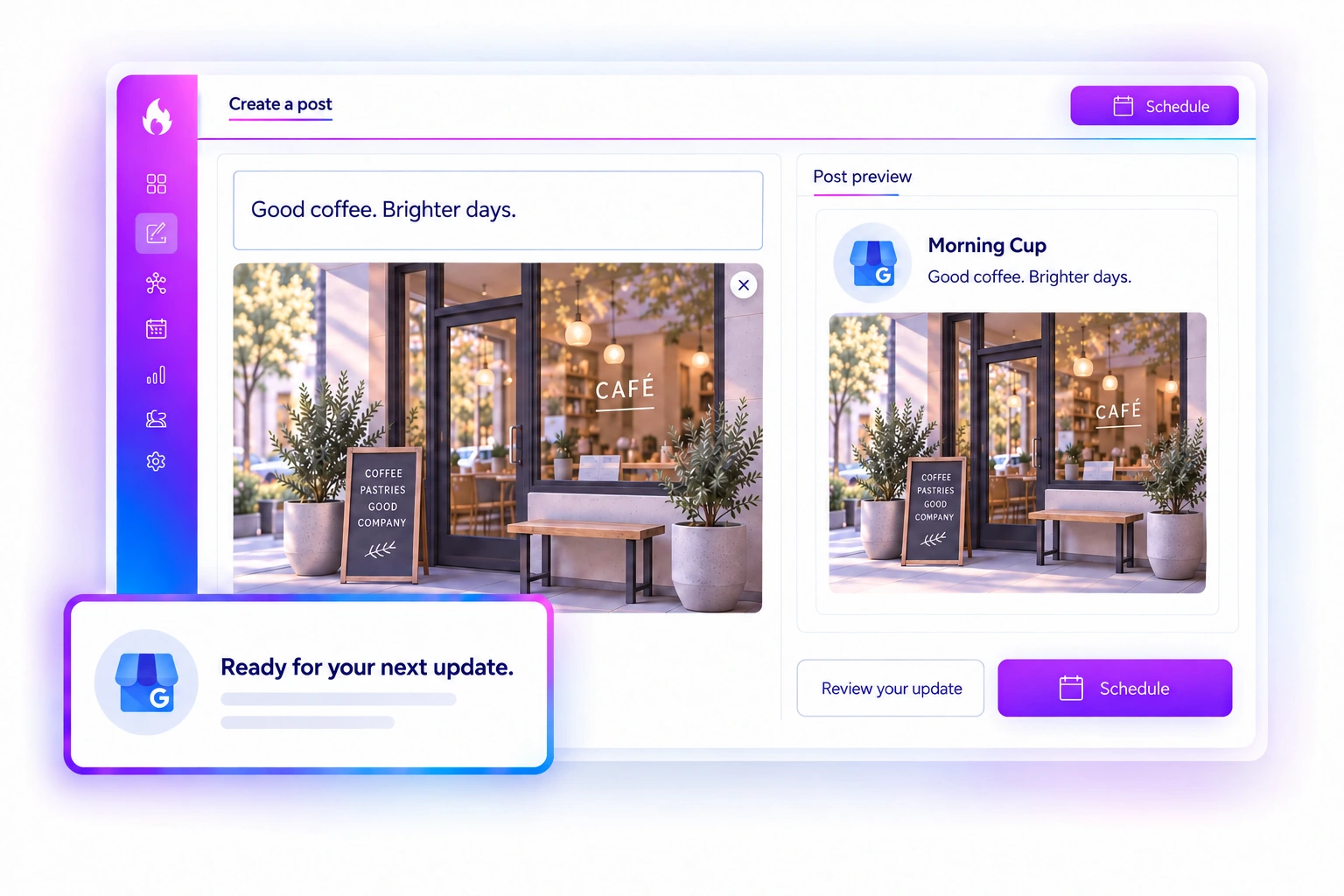
05 · GOOGLE BUSINESS PROFILE
See the update before it goes live.
Check the text and imagery in the Google Business preview while you write. Keep the update relevant to your business and review every detail. Google determines the final appearance in Search and Maps.
Start Free Forever →Make room for your next business update.
Connect an eligible Google Business Profile location and bring your updates into SocialBlaze. Available features depend on Google and your plan. Product illustrations show sample content.
Start Free Forever →
