
TUMBLR POST SCHEDULER
Make your next
Tumblr post
your best one.
Create with AI, refine your message, and schedule your posts. More room for ideas. Less time managing them.
t
Fresh looks. Bright days. All you.
A whole new mood.✦
TUMBLR SCHEDULING
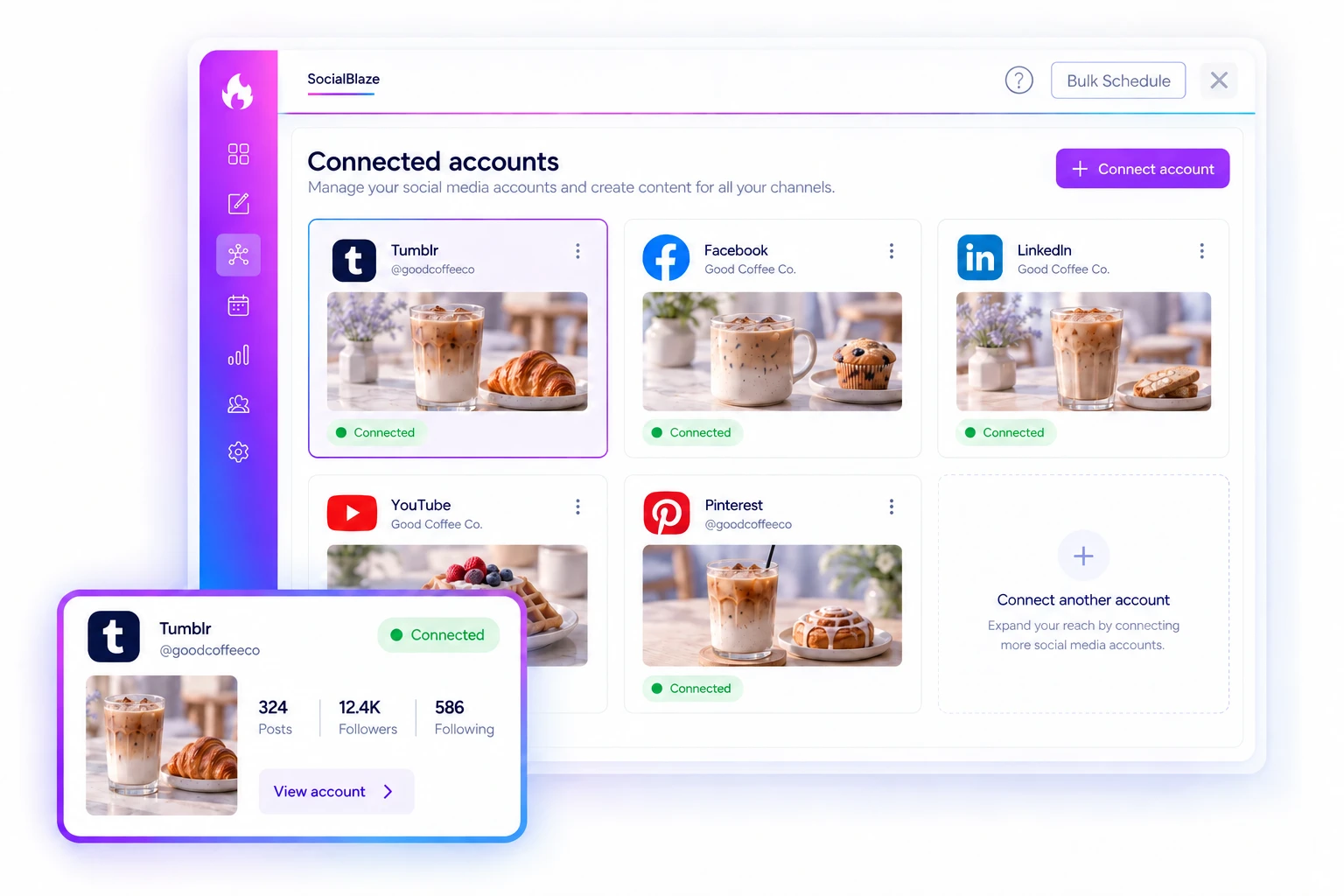
Start with your connected Tumblr blog.
Connect your Tumblr account and choose the blog you want to use in your publishing workflow. Keep the destination with the post, so you know where your next update is going.
Start Free Forever →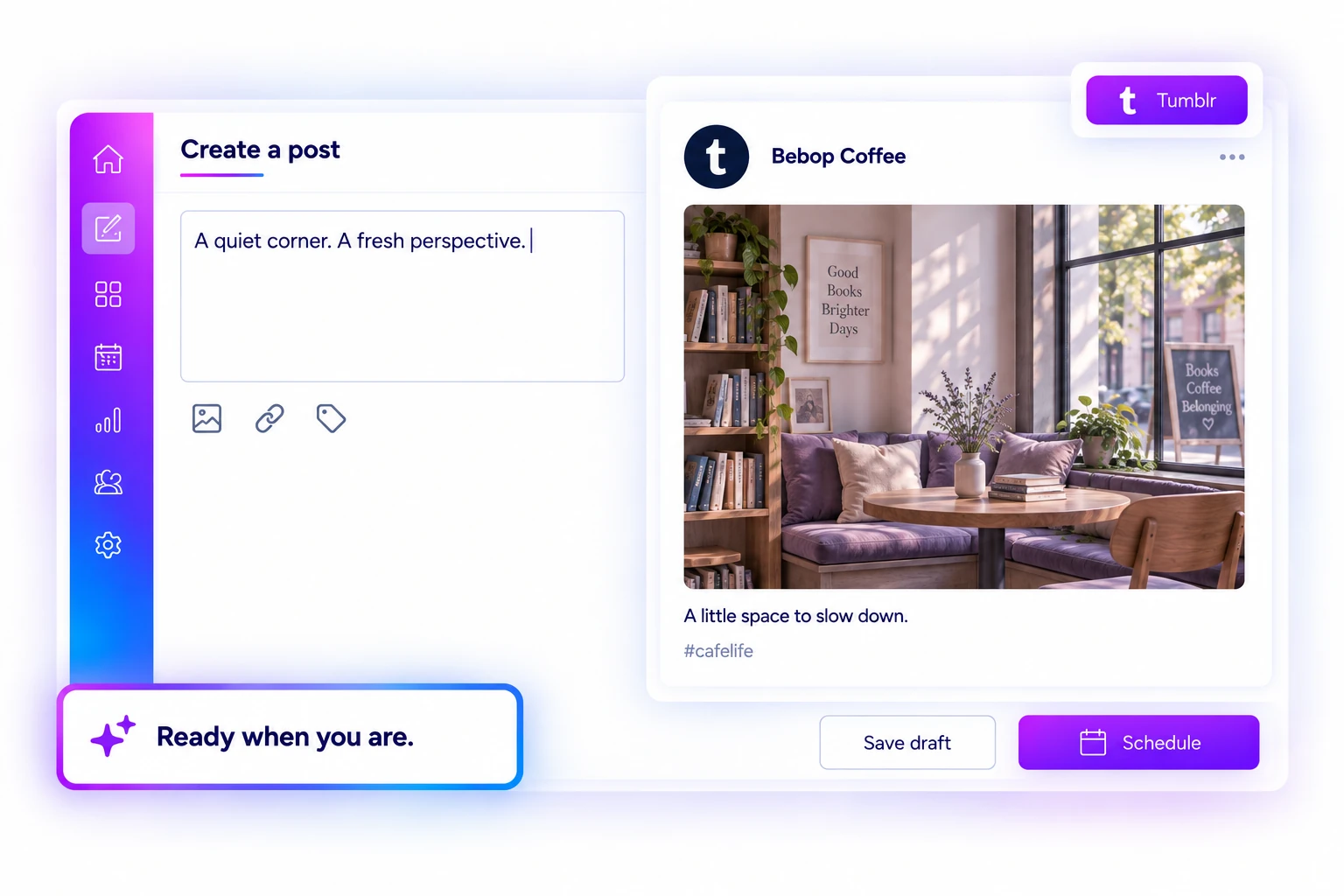
TUMBLR SCHEDULING
Bring the words and visual together.
Write your caption, add supported media, and review the post in the composer. Whether you are sharing a quiet moment or a new announcement, keep the message and the picture in view.
Start Free Forever →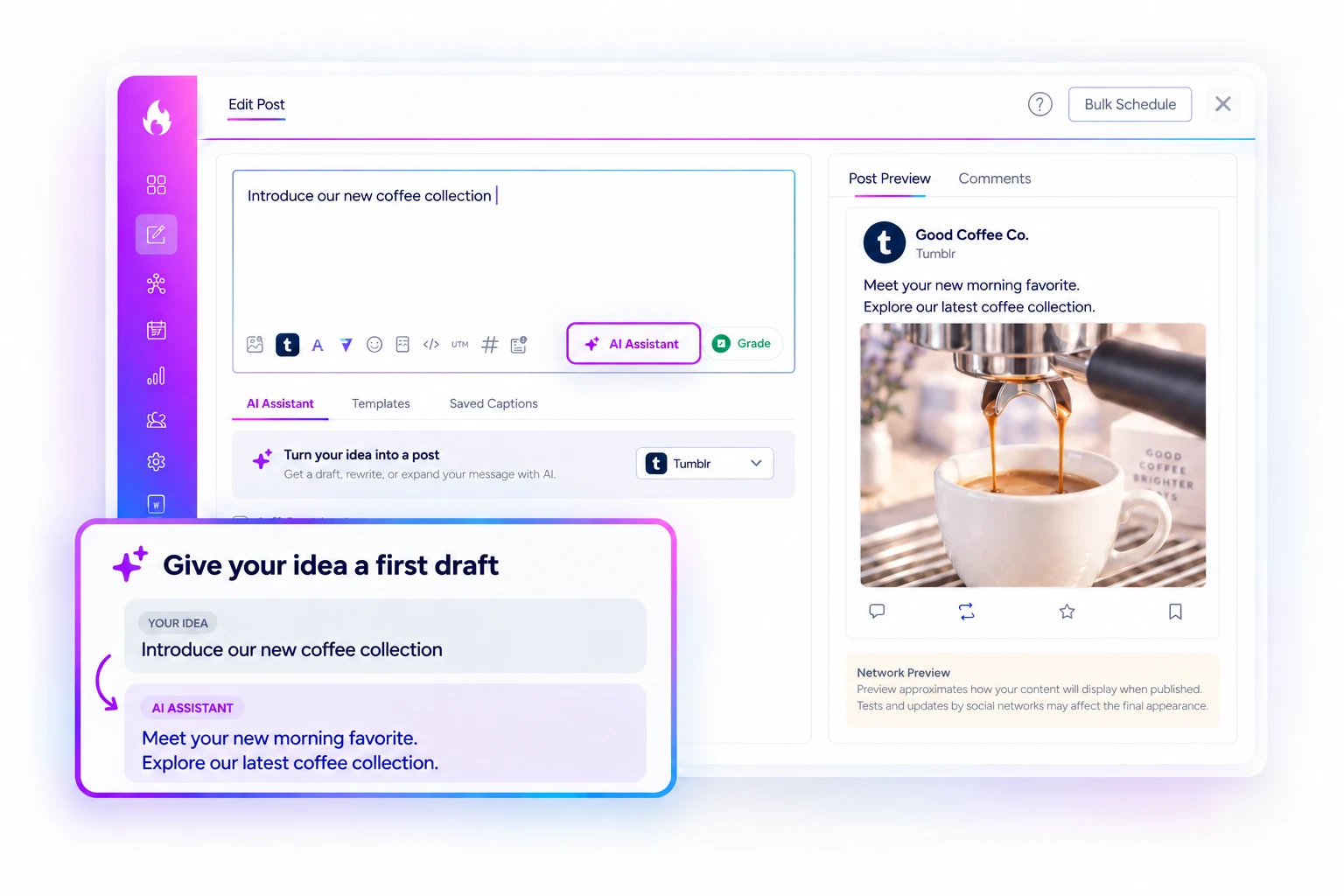
TUMBLR SCHEDULING
Save the idea while it is fresh.
Keep an unfinished post as a draft and return when you are ready. Find your caption and media together, make the final changes, and prepare the post at your own pace.
Start Free Forever →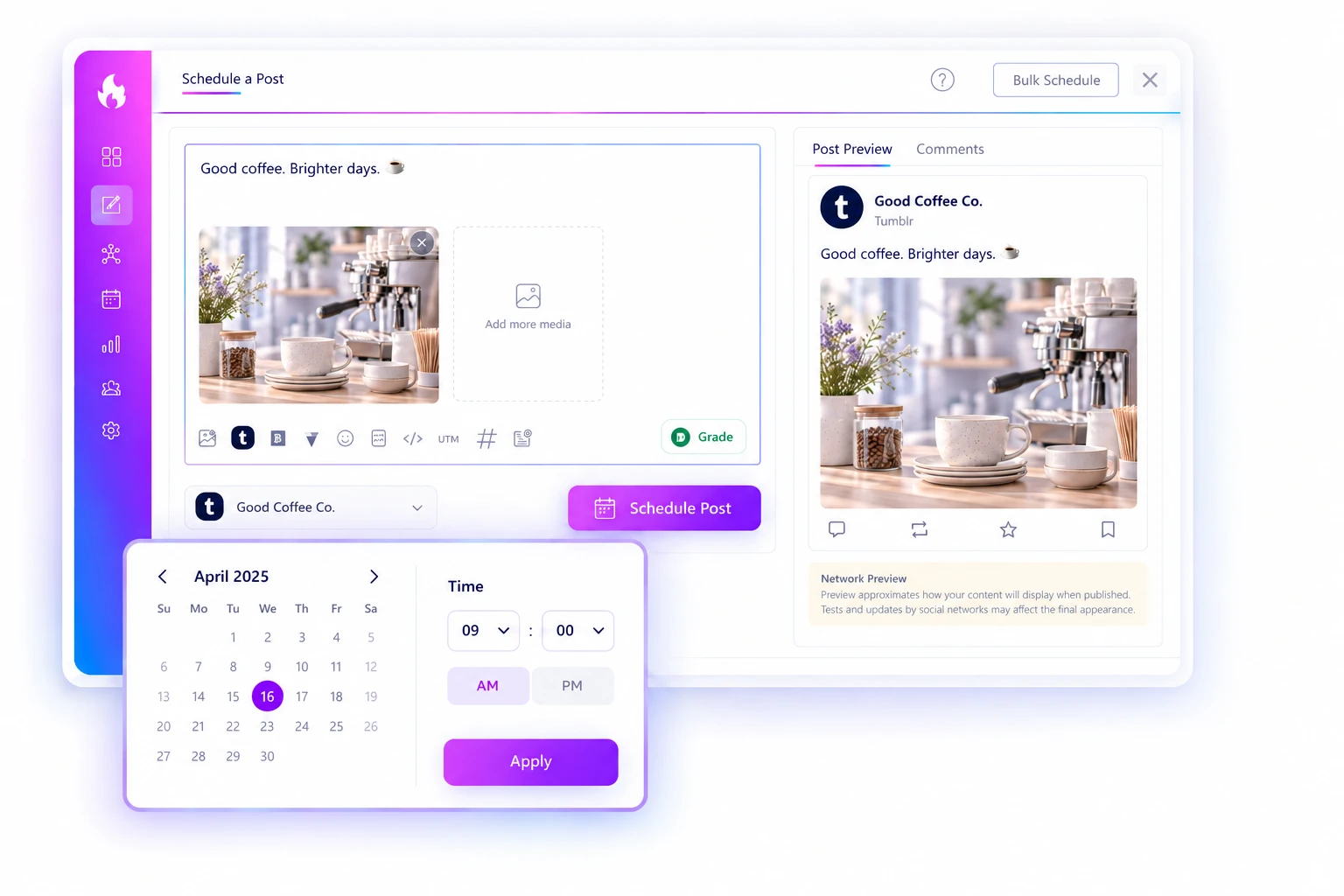
TUMBLR SCHEDULING
Create now. Schedule for later.
Choose a future date and time for your prepared Tumblr post. Check the account, caption, and media before scheduling, then get on with the rest of your day.
Start Free Forever →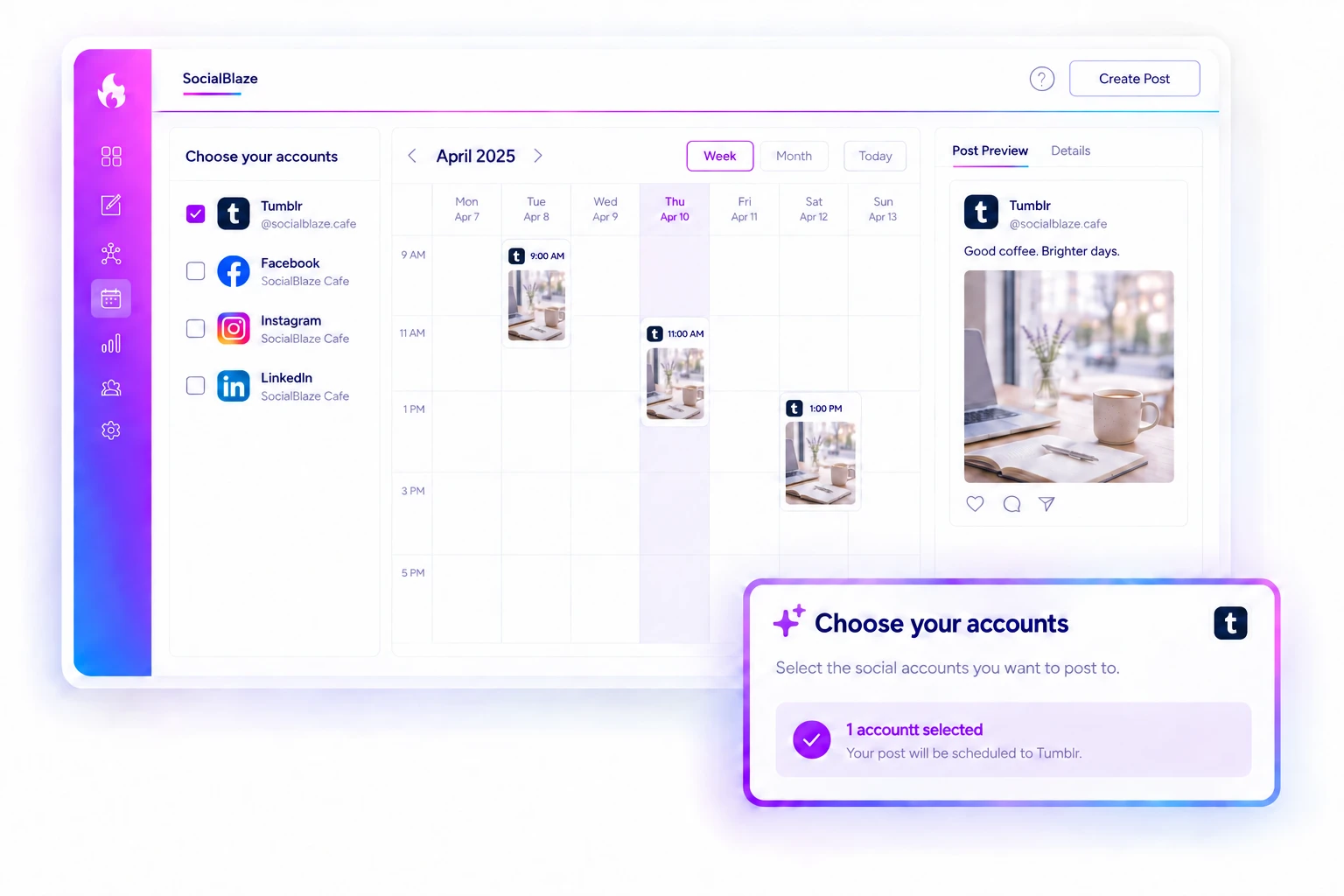
TUMBLR SCHEDULING
See Tumblr in your wider content plan.
Review scheduled posts on your calendar alongside the other accounts you manage. Focus on the channels you need and see where your next Tumblr update fits in the week.
Start Free Forever →Publishing formats and available features vary by network and plan. Check supported options in the composer when preparing your Tumblr post.

