
YOUR WEEK
Your business. Your ideas.
A week of posts to make your own.
Start with your website and turn the details you approve into a weekly social content plan. Review the captions, choose your images, and decide when your posts go out.
Start Free Forever →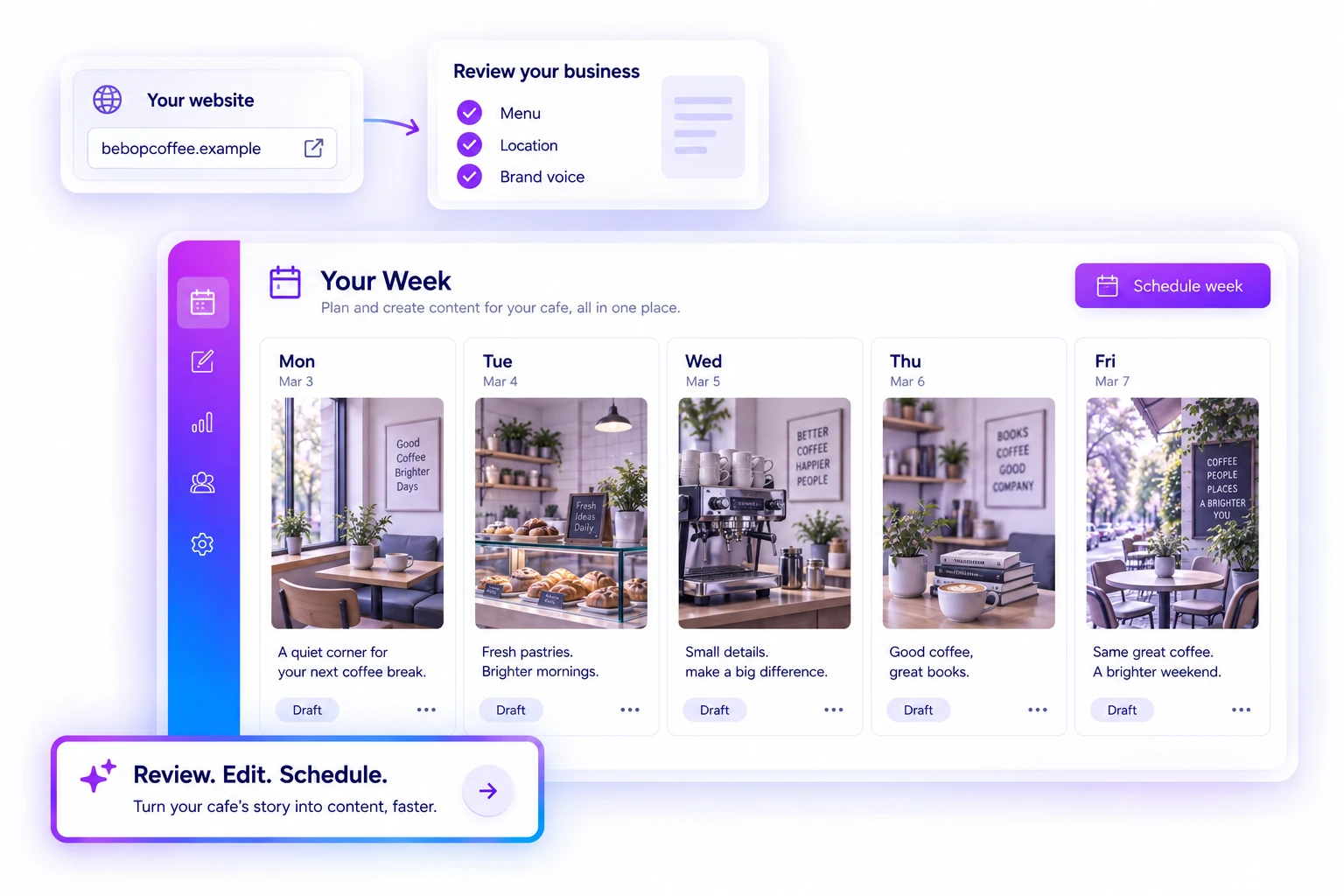
YOUR WEEK
Start with the business you already built.
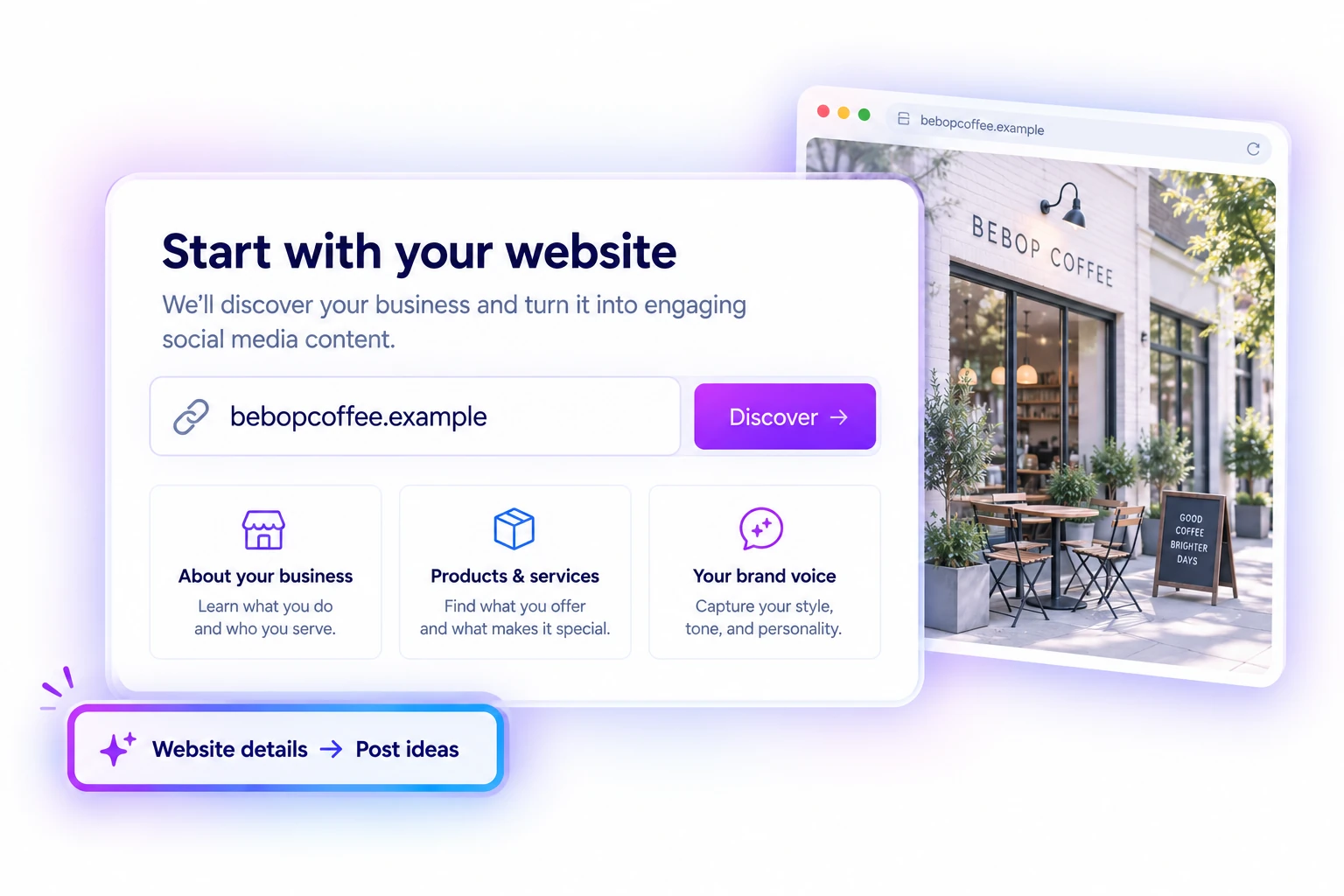
Enter your website to help SocialBlaze discover information about your business and what you offer. It gives your content a useful starting point, so you spend less time retyping the same background.
Start Free Forever →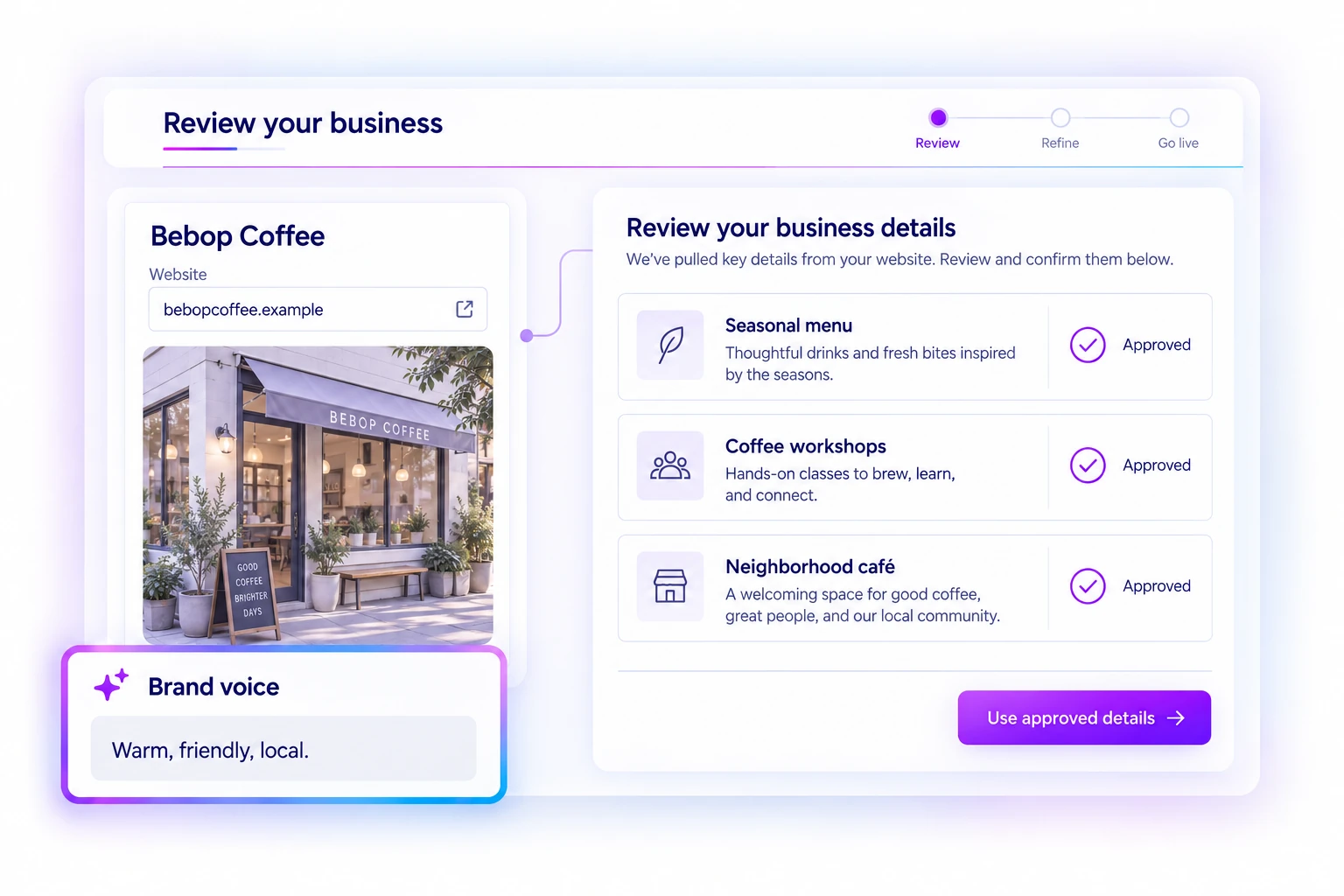
YOUR WEEK
Choose the details your posts should use.
Review the suggested business description, brand voice, and products or services. Edit what needs changing, approve the items you want to feature, and leave out anything that does not belong. Your approved information guides the next step.
Start Free Forever →YOUR WEEK
Give your week a first draft.
Select approved items and the days you want to plan. Your Week generates post ideas and captions around those choices. Read through the week, refine the wording, and turn the suggestions into content that sounds like your business.
Start Free Forever →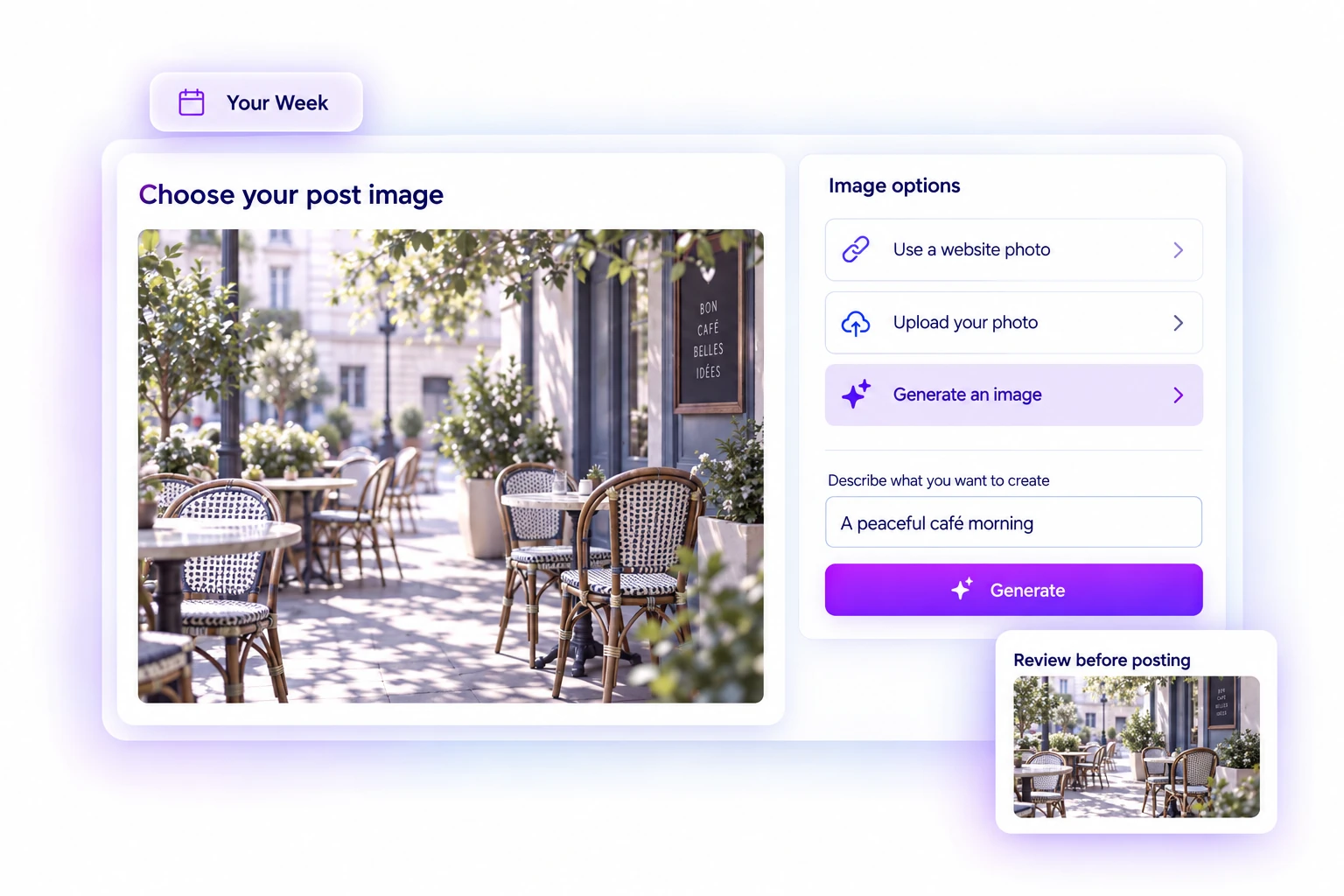
YOUR WEEK
Give each post the right picture.
Choose an available website photo, upload your own, or generate an illustrative image. Keep the visual attached to the item it represents, and check that it supports the caption before using it.
Start Free Forever →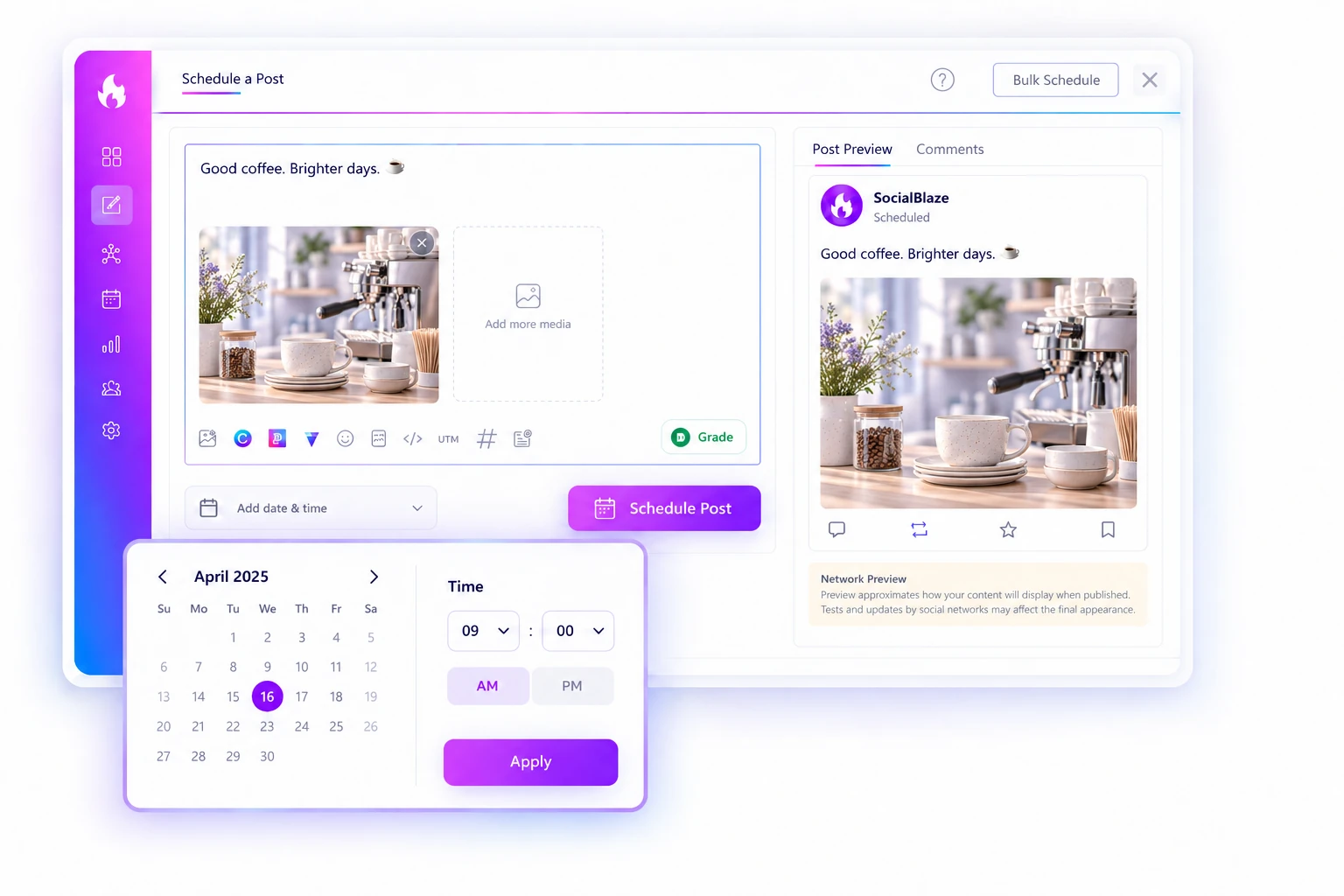
YOUR WEEK
Review the posts. Choose their moment.
Make your final caption and image edits, then choose future publishing times for the week. You can also save a post as a draft and continue in the composer. Content goes into your schedule only when you choose to schedule it.
Start Free Forever →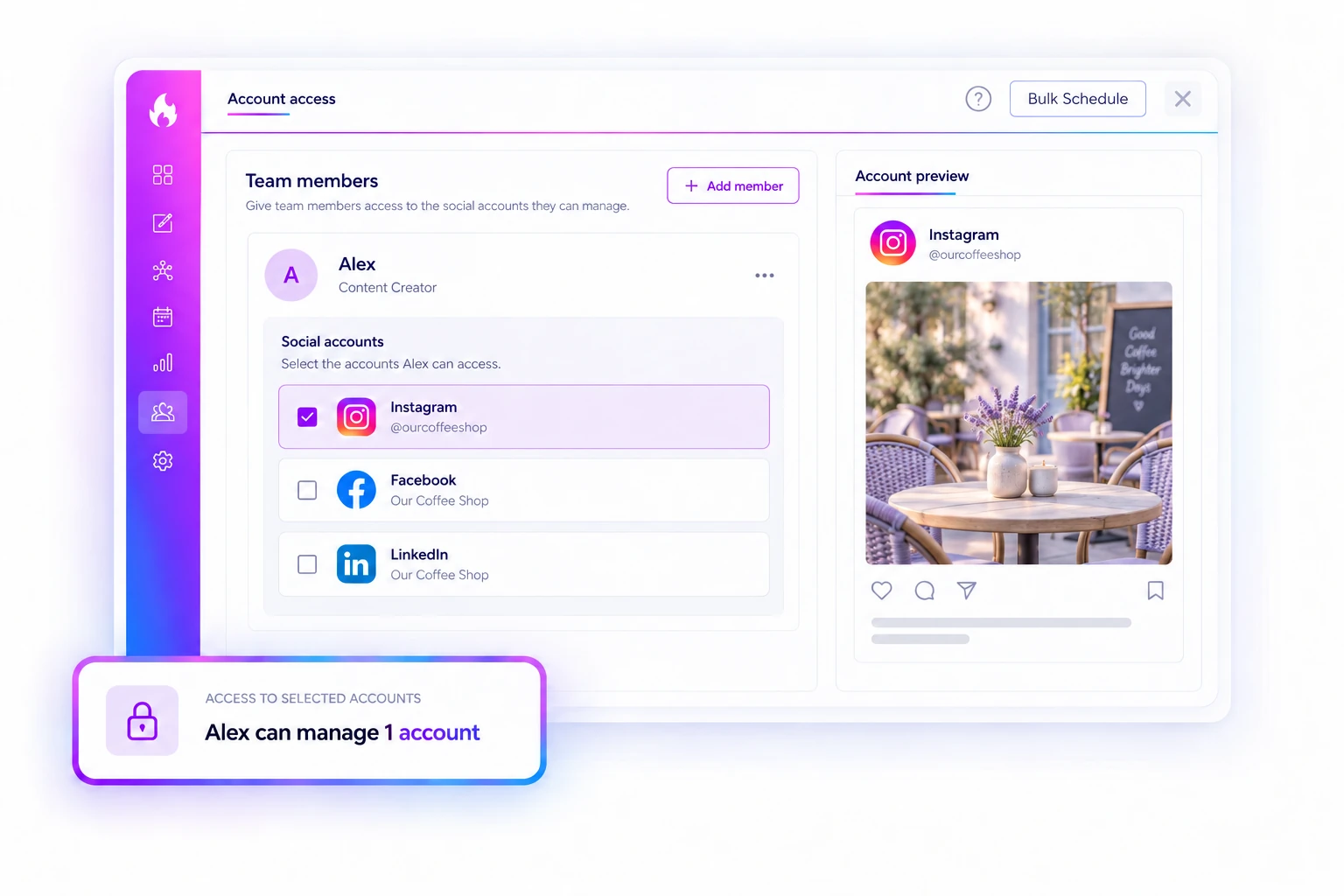
YOUR WEEK
Keep each business in its own context.
Manage separate businesses with their own approved information, content items, and assigned social channels. When you change businesses, keep the next batch focused on the right offer and audience.
Start Free Forever →Website discovery may not find every page or item. Review business facts, offers, and images before publishing. Generated images are illustrative. Availability and usage limits depend on your account.

