
Austin Pottery · Try-It01 / 05
Start hereFirst time at the wheel?Here’s what to know before you sit down.

Build a clear Instagram profile, publish posts people find useful, and learn which ideas move the right people to act.
 SocialBlaze Editorial
 Austin Pottery · public studio post · View source
A new person finds your post and taps your profile. In a few seconds, they decide: Is this for me? Do I trust it? What should I do next? That short journey is where growth happens—or leaks away.
I built this guide around one question: what helps a stranger go from seeing a post to deciding to follow, save, or take the next step? I use public material from Austin Pottery in Austin, Texas, to make the examples concrete. Its own site describes a community studio offering classes and handmade gifts, and links to @atxpottery. Proposed post concepts and timing values are labeled examples, not the studio’s reported results.
Draft, tailor, review, and plan across the channels you choose.
A clear post earns the profile visit; a clear profile earns the follow. Make the name descriptive, put the audience benefit first, add a location if it matters, and offer one next step.
Public profile and post material from Austin Pottery
Public example
 Austin Pottery Studio & Gallery
Observed on the studio’s own site. This is a factual profile review, not a claim about its Instagram bio or performance.

The Austin Pottery studio page shows this image with a caption inviting visitors to its one-time “Try-It” classes. Open the source to review the original context.
Pin posts that show your work, answer a common question, and explain how to take the next step. The landing page behind your bio should match the promise. Don’t send people looking for a beginner class to a generic page and make them search.
Look through comments, booking questions, reviews, support messages, and conversations. Write down what people ask before they buy, while they use your product, and after they get a result.
Keep the insight; change how you teach it.
Example workflow
Organize ideas into three or four pillars: teach, show the process, answer a concern, and invite action. Use a customer’s photo, review, or words only with permission. Ask separately before using anything in a paid ad.
Open with a clear promise, show what you promised, and end with a fitting next step. The public post shown here is a real Austin Pottery image. The storyboard below is a proposed content treatment based on the class invitation—not a video published by Austin Pottery.
Suggested shot list for the studio: a real class moment, one instructor demonstration, and a clear next step. This is an editorial proposal, not an existing Austin Pottery video.
Film vertically, keep the first frame focused, and match the opening to the payoff. If another person appears, secure permission for the planned use before publishing.
Gaspart Studio · instructor Fatimah Araneta · public YouTube lesson
Real video example
Fatimah Araneta demonstrates preparing clay, centering it, and correcting common beginner mistakes. Watch how close framing makes the hand movement visible and keeps the explanation tied to the action.
Watch the original lesson ↗Published by Gaspart Studio. This is an external teaching example, not an Austin Pottery post.
A carousel is a compact lesson, not a paragraph split into slides. Give each slide one point, use a concrete cover, and make the last slide useful on its own.
See the actual post sequence, with public Austin Pottery class imagery and original sample copy.
SocialBlaze concept
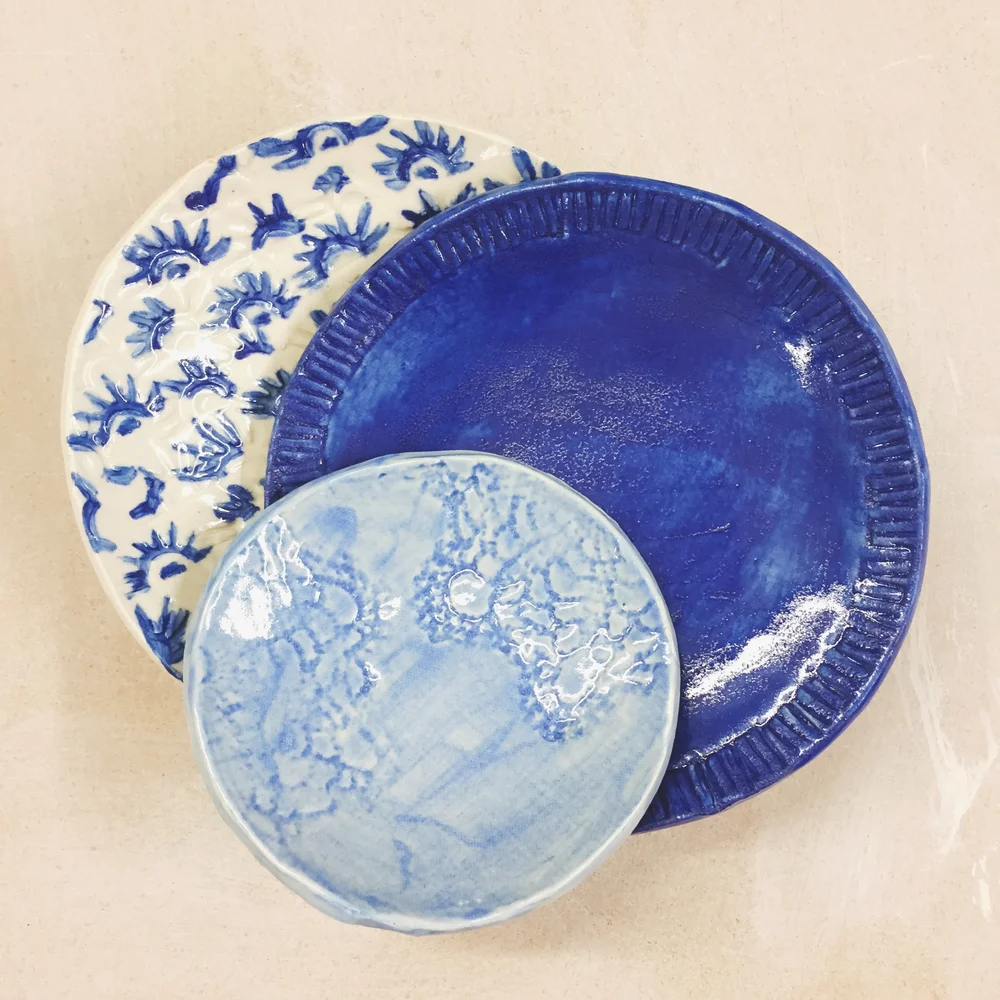
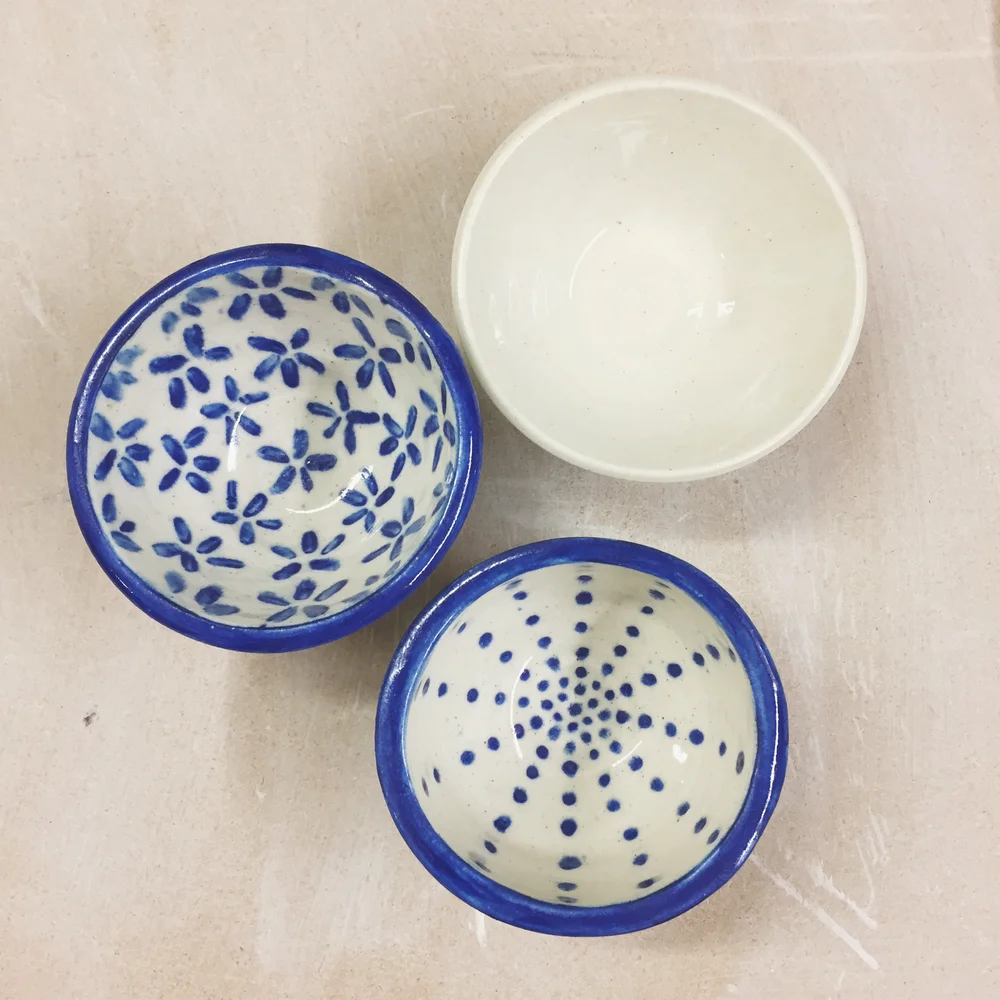
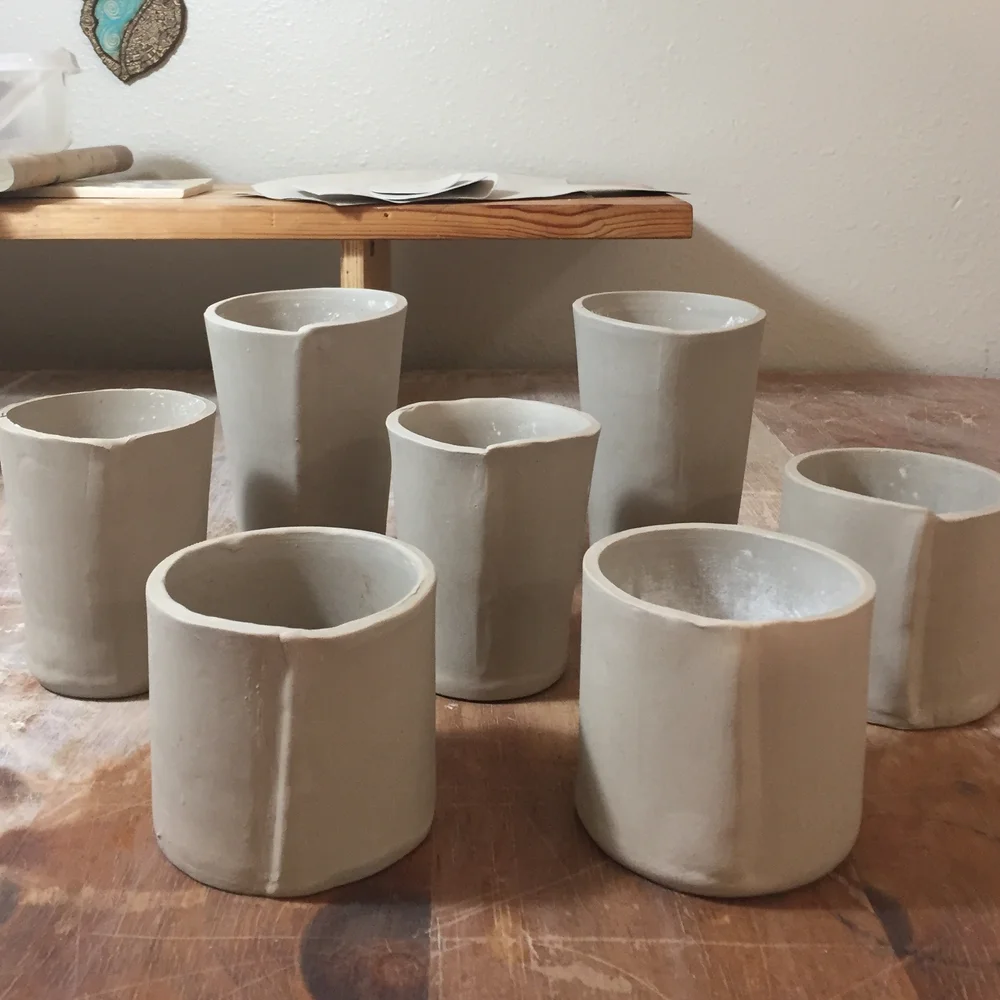
Images are from Austin Pottery’s public class pages; the five-slide sequence and sample copy are a SocialBlaze concept, not a post published by Austin Pottery. Confirm image rights before any paid promotion. View the class source ↗
Generic “best time to post” charts can’t know when your customers check Instagram. Look at your own audience activity, choose candidate windows, and compare similar posts over several weeks.
Illustrative schedule · not account performance data
Test windows
Illustrative test prompts only. These times are not performance findings or a recommendation for Austin Pottery.
Use your account Insights to choose candidate windows. Keep the post job and offer comparable, then compare reach, profile visits, saves, shares, and follows. These are test prompts, not recommended or proven posting times.
Keep ideas, drafts, and upcoming posts in one calendar.
The useful schedule is the one your team can keep while still answering people and making posts worth their time. Here’s one editorial rhythm to adapt—not a universal frequency rule.
Three publishing moments, with space to listen and respond.
Editorial example
Create three useful posts; use the other days to listen, reply, and review. Publish less if cadence starts lowering quality or customer care.
Reply with useful answers. Turn repeat questions into future posts and tell people when you do. Choose collaborators whose audience has a real reason to care, then agree on content, rights, tags, disclosure, and measurement in advance.
Organic repost permission and paid-ad permission are different asks.
Permission-first
Keep a record of the permission and its scope. Respect a no.
Match each metric to the post’s job. A discovery Reel should earn attention from people who don’t follow you. A how-to carousel should be useful to save. An offer should make the next step clear.
Track each step with insights available to your account.
Measurement map
Record audience, post job, format, hook, CTA, time, reach, visits, follows, saves, shares, and business outcome. Compare similar posts. Change one weak point at a time, and treat small samples as clues rather than proof.
Don’t change your bio, schedule, creative, and offer at once. If the account is new or activity is low, collect more evidence before calling a winner.
Choose a pace you can maintain without lowering post quality or ignoring replies. Treat frequency as a test for your own account, not a guaranteed growth formula.
Start with your own audience activity data. Test candidate windows with comparable content; use your reach and action data to choose.
Ask for explicit permission for that paid use. Permission to repost organically does not automatically grant advertising rights.
Track non-follower reach, profile visits, follows, saves, shares, link taps, messages, bookings, and purchases according to the post goal.
AI can help brainstorm and draft. Add real expertise, check facts, and edit until the final post sounds like your business.
Draft, review, and plan social posts from one workspace. Start Free Forever.
Practical publishing guides from the SocialBlaze editorial team.

